How to Turn Shopify Product Photos into Engaging AI Videos
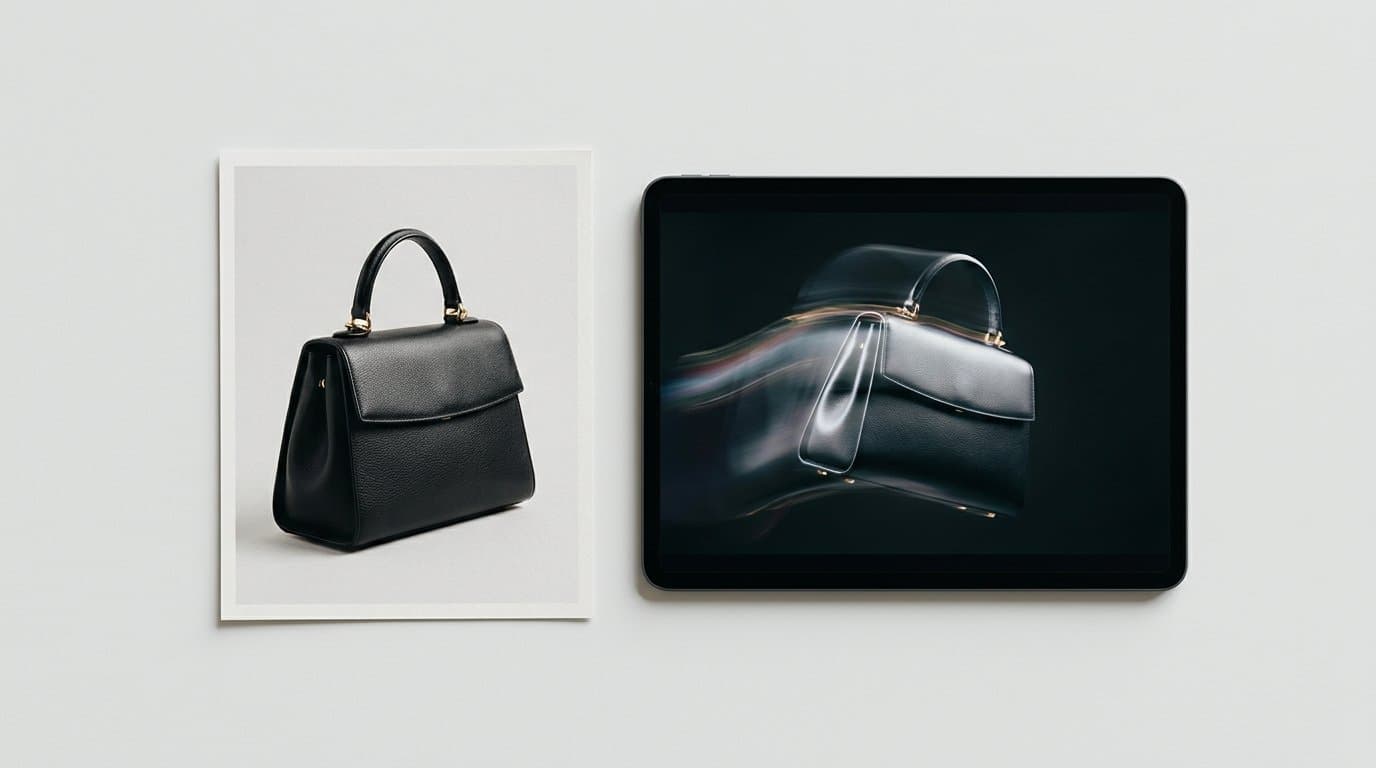
The New Standard for E-Commerce Motion
Shoppers scroll incredibly fast. We know that still images capture attention, but motion actually holds it. By the middle of 2026, dropping static JPEGs into a TikTok ad campaign and hoping for the best simply fails to deliver reliable returns. Conversion rates heavily favor dynamic media. Yet hiring a production crew, renting a studio, and booking talent for every single seasonal drop remains impossibly expensive for most independent Shopify merchants.
Marketers are taking a different route to fill their content calendars. They animate their existing product catalogs.
Instead of relying purely on text prompts, which often invent physically impossible versions of your merchandise, e-commerce teams use image-to-video technology. You start by uploading a perfect static shot. You tell the artificial intelligence exactly how the scene should move. Seconds later, you have a high-definition clip ready for your product detail page.
Why Image-to-Video Outperforms Text-to-Video
If you have ever typed a description of your top-selling sneaker into a video generator, you already know the glaring problem. The software might build a beautifully cinematic scene. It might even nail the dramatic lighting you requested. But the shoe itself will look like a bizarre, misshapen knockoff.
Text-to-video models suffer from severe identity drift. They forget exactly what your specific product looks like from one frame to the next.
Image-to-video solves this completely. By providing a strict reference frame, you anchor the software to reality. The model locks onto the precise dimensions, fabric textures, and typography of your item. From there, you animate the environment around the object rather than generating the object from scratch. We frequently see this exact strategy save DTC brands countless hours of frustration. You can make ocean waves crash behind a bottle of SPF 50 sunscreen. You can add a soft, natural breeze to a model wearing your new summer denim collection. The physical product stays perfectly intact while the world around it moves.
Step 1: Securing Flawless Source Material
Generative video engines act primarily as visual amplifiers. If you feed them mediocre photography, they hand you back highly animated, mediocre photography. A poorly lit flat-lay with messy shadows turns into a video with distracting, crawling dark spots.
You need an absolutely perfect starting point.
Before opening any animation application, secure a pristine lifestyle or studio shot. If you lack the budget or timeline for a traditional on-location photoshoot, use Modelize to generate professional on-model and lifestyle product photography directly from your basic catalog images. Get the lighting crisp. Make sure the environmental context fits your brand aesthetic perfectly. Ensure the composition leaves a bit of negative space for the motion to happen. Once you possess a high-resolution, flawless still image, you're ready to introduce movement.
Step 2: Selecting the Right Generative Engine
The software market shifted dramatically over the past year, handing merchants a solid handful of frontier video models. You absolutely don't need to subscribe to all of them. Picking one or two reliable engines covers almost any Shopify catalog requirement.
Here is how we categorize the standout options dominating the space in 2026:
- Kling 3.0: Excellent for holding fine details and preserving text clarity. If your packaging features a prominent logo or intricate typography, Kling handles the rendering remarkably well without turning the letters into illegible symbols. The engine also supports generating continuous clips up to 15 seconds long, which gives you plenty of runtime for a slow-motion reveal.
- Google Veo 3 and Sora 2: These options excel at realistic environments and fluid physical interactions. We lean on these models for outdoor lifestyle photography where you need water ripples, moving clouds, or natural sunlight shifting across the frame.
- Runway Gen-4: Highly reliable for subtle camera movements and granular control. Runway allows you to isolate specific areas of the image using their brush tools. You can paint over a candle flame to make it flicker while keeping the surrounding table setting completely frozen.
- Luma Dream Machine: Fast, straightforward, and incredibly effective for batch-producing quick social media clips when you need dozens of variations fast.
Step 3: Prompting for Product Animation
Writing instructions for an existing photo requires a completely different mindset than writing text-to-video prompts. Less is almost always more.
Your primary goal is not creating an explosive action movie sequence. Your goal is subtle, engaging motion that brings a static digital storefront to life. We strongly recommend focusing on environmental elements, weather, or gentle camera moves rather than aggressive product transformations.
Let us look at a practical example. If you are selling a ceramic coffee mug sitting on a wooden kitchen counter, avoid typing "Mug spins around while coffee pours into it." That breaks the physics of the still image.
Instead, keep the instruction strictly environmental: "Slow camera pan to the right. Soft morning light shifts gradually across the wooden counter. Thin steam gently rising from the dark coffee."
For apparel, keep the model's movements highly restrained to avoid warping the clothing. "Model shifts weight slightly, looking off camera. Soft breeze rustles the oversized linen shirt."
If you push the software to do too much, the video distorts into an unusable mess. Keep the motion gentle. Let the high-quality source image carry the visual weight.
Step 4: Controlling Artifacts and Fixing Glitches
Even with excellent source material and a conservative prompt, generative models sometimes hallucinate. A hand might suddenly grow a sixth finger. A shadow might detach from its object and float away.
When this happens, don't immediately rewrite your entire prompt. First, try reducing the motion scale setting. Many tools offer a slider that dictates how heavily the animation alters the original frame. Dialing that number down by twenty percent often fixes bizarre physical glitches.
Another effective tactic involves using negative prompts. Simply list the things you want the model to avoid. Typing "warping, mutating, melting, fast movement, morphing" into the negative prompt box acts as a safety net. It forces the engine to prioritize structural integrity over dramatic motion.
Formatting Your Video for Shopify
Loading speed impacts sales just as heavily as visual quality. Uploading massive, uncompressed 4K video files will severely slow down your product pages and drive impatient buyers away.
You must optimize the output.
Most AI video tools generate standard MP4 files. Before uploading these directly to your store, run them through a compression tool like Handbrake or an online optimizer. Aim for a file size under five megabytes per clip. Since these are usually background visuals or secondary gallery items, 1080p resolution provides plenty of clarity for mobile screens where the vast majority of your traffic lives. Remove the audio track entirely from product page videos unless it serves a specific functional purpose. Silent videos autoplay much more reliably across different mobile browsers.
Deploying Your Video Assets for Maximum Conversion
Once you export these short clips, you have to place them where they impact purchasing decisions the hardest. Leaving them to die in an obscure social media folder wastes their potential.
Shopify product pages represent the most obvious and profitable destination. Modern themes natively support looping video blocks. Swap out the second image in your hero carousel with a subtle AI video. When a shopper swipes through the gallery, seeing a static winter jacket suddenly move in a snowy breeze provides immediate texture, depth, and spatial context. It answers visual questions a flat image can't.
Paid social campaigns thrive on this media. TikTok and Instagram Reels essentially demand motion to satisfy their algorithms. We frequently see merchants stitch three or four different AI-animated lifestyle shots together, overlay a trending audio track, and run the compilation as a conversion ad. It costs a fraction of hiring a user-generated content agency and tests exceptionally well across demographic groups.
Email marketing also benefits significantly from lightweight motion. Convert a three-second AI video clip into a low-resolution looping GIF. Dropping that moving image directly at the top of a new product announcement email dramatically increases your click-through rates. People inherently click on things that move.
Scaling Your Visual Strategy
Building a video-first e-commerce presence no longer requires a massive production budget or an in-house editing team. It just takes a systematic, repeatable workflow. You start with your core inventory. You generate exceptional static scenes. Then you animate them selectively.
Focus heavily on your highest-margin items first. Take ten bestsellers, generate beautiful lifestyle contexts for them, and run them through a video model over the weekend. Test the animated versions against the static versions in your Facebook ad manager. The resulting data will show you exactly what kind of motion your specific audience responds to best.
The technical barrier to entry for professional product video has completely vanished. All you need is a meticulously crafted photograph and a few carefully chosen words describing how the light should hit it.
More in Product Photography
View all
How to Train Midjourney v8.2 Personalization Profiles for Shopify Brands
The latest Midjourney v8.2 update drastically improves AI style personalization. Learn how to train the algorithm to inherently match your exact brand aesthetic for highly consistent e-commerce lifestyle photography.
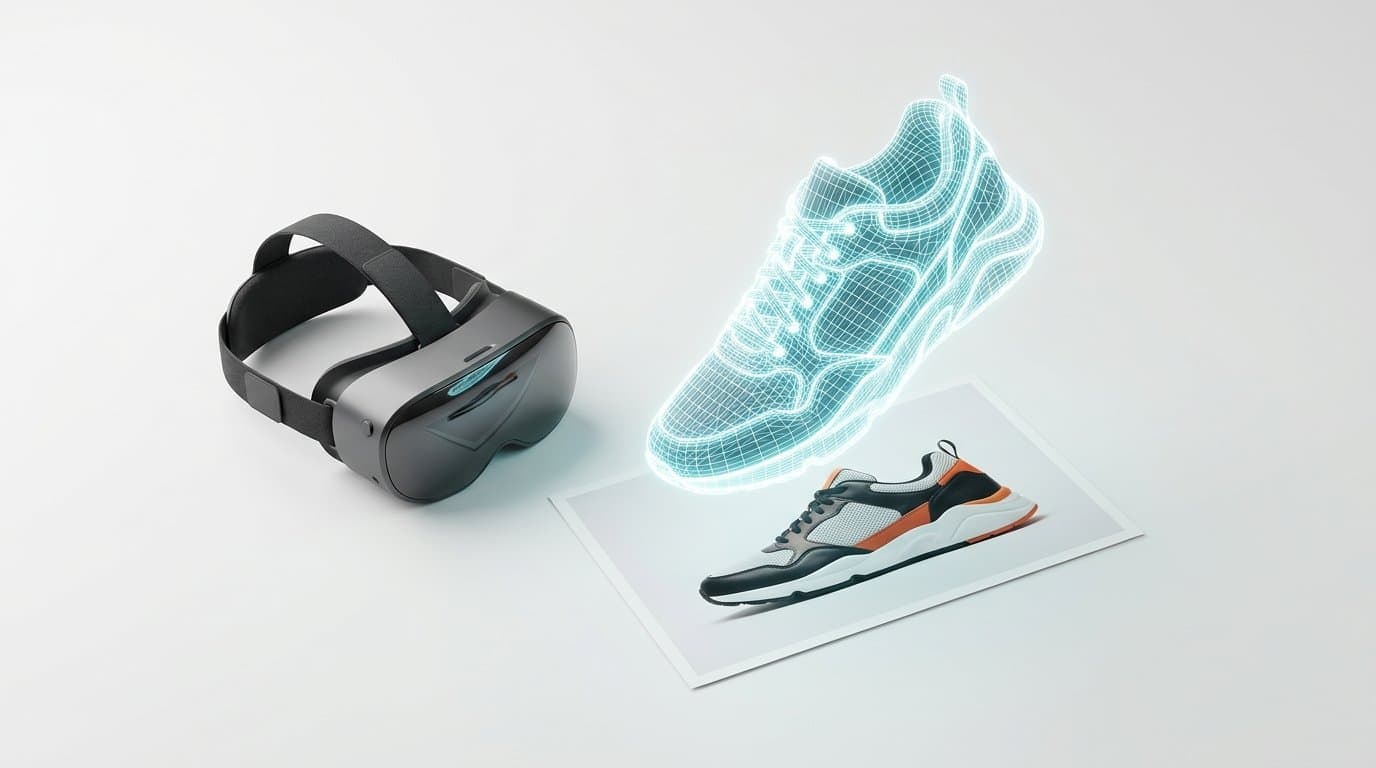
How to Turn 2D Product Photos into 3D Models for Shopify Using AI
Spatial commerce is no longer just for big brands. Learn how to use new 2026 AI generation tools to turn your standard 2D product photos into interactive 3D and AR models for your Shopify store.

How to Refine Shopify Product Photos Using Multi-Turn AI Inpainting
Learn how to stop re-rolling AI image generations and use targeted multi-turn inpainting to fix specific elements, swap lifestyle props, and perfect your product photos.
Generate Stunning Product Photos with AI
Modelize is a Shopify app that creates professional product images in seconds - AI models, backgrounds, and more. No photoshoot needed.