How to Refine Shopify Product Photos Using Multi-Turn AI Inpainting
The End of the Prompt-and-Pray Era in Retail Photography
You type a prompt. You wait ten seconds. You get a result that is almost perfect. A beautiful artisan ceramic mug sits on a wooden kitchen island. The morning light streams in through a nearby window. The shadows fall exactly where they should to highlight the glaze on your product.
But there is a bizarre, extra lemon wedge hovering mid-air near the window frame.
In the past, fixing this small hallucination meant rolling the dice again. You would tweak the text prompt, hit regenerate, and lose that perfect morning light entirely. We've called this the slot machine approach to generative imagery. You put in your text, pull the lever, and hope the entire composition comes out right.
It rarely does on the first try.
That dynamic changed entirely on September 8, 2026. OpenAI rolled out ChatGPT Images 2.5 and the accompanying GPT-Image-2.5 Flare API. This update introduced incredibly precise single-element updating capabilities for developers and end users alike. You aren't stuck generating entirely new compositions just to fix a minor error anymore. We can now engage in multi-turn inpainting. You keep the vast majority of the image that works and isolate the tiny fraction that needs fixing.
Why Precision Editing Solves the E-Commerce Scaling Problem
A standard professional lifestyle photoshoot costs anywhere from $300 to $1,200 per SKU to get a complete set of usable listing images. That kind of expense forces brands to be incredibly selective about which products get the premium visual treatment. Yet we know that high-quality, contextual lifestyle imagery can increase average conversion rates by up to 94% compared to plain white background shots.
Generative tools offered a way out of this cost trap. Early platforms brought the cost down to pennies per image. They often lacked the granular control required by serious merchandisers, though. If a DTC brand wanted to use a specific hero image across multiple campaigns, the initial generation was only step one. The inability to iterate on a successful base image without destroying its core geometry held the technology back from fully replacing traditional studio work.
Multi-turn AI inpainting bridges that final gap. It gives art directors and store owners the digital equivalent of a stylist stepping onto a practical set to move a single prop. If you are selling a high-end mechanical keyboard, you might want to show it on a desk beside a cup of coffee. If the model generates a mug that looks too rustic for your futuristic product, you simply mask the mug. You ask the Image 2.5 model to replace it with a sleek matte black tumbler.
The keyboard stays untouched.
The lighting on the desk remains identical. The reflections don't shift. You've simply swapped a prop without resetting the entire stage.
Correcting Background Artifacts Without Losing the Shot
Even the most advanced generative models occasionally produce visual nonsense. We've all seen the AI-generated hands with too many fingers or background objects that blur into unrecognizable shapes. In product photography, these artifacts destroy consumer trust. A shopper looking at a $200 espresso machine will immediately bounce if they notice the background kitchen cabinets melting into the ceiling.
Before this recent leap in single-element updating, you had to throw away these flawed images. It was incredibly painful to discard a shot where the product itself looked flawless just because a background chair had three legs.
Multi-turn inpainting turns artifact correction into a ten-second task. You simply paint over the melting cabinet and tell the model to generate a blank wall or a normal wooden shelf. Because the model understands the context of the entire image, it fills the erased space with pixels that match the surrounding depth of field and lighting conditions.
Quality assurance is no longer a pass or fail grading system. It is a highly controllable refinement process.
Swapping Seasonal Lifestyle Props on the Fly
Running a successful Shopify store means constantly updating your visual assets to match consumer buying cycles. A skincare serum that sells well in July needs an entirely different visual context when Black Friday rolls around.
Traditionally, brands handled this by either booking separate seasonal shoots or relying on heavy Photoshop manipulation to paste snowflakes into summer photos. Neither option is ideal. The former destroys profit margins. The latter usually looks incredibly fake.
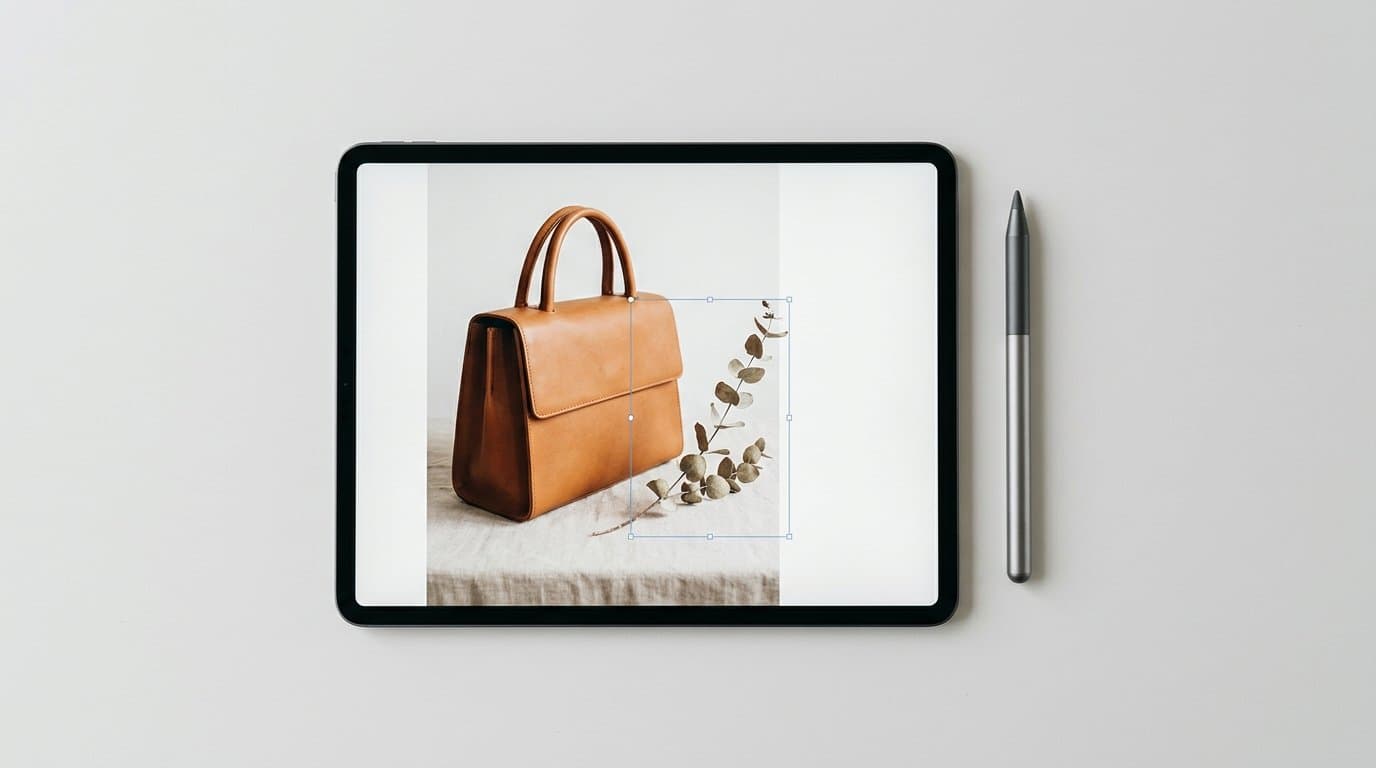
With the new Flare API capabilities, seasonal adaptation becomes a simple conversation with your canvas. Imagine you have a proven, high-converting product shot of a leather tote bag resting on a park bench. In the original summer version, there are green leaves scattered on the wooden slats. You can highlight those specific leaves and instruct the AI to replace them with crisp, fallen autumn foliage. You can mask a background patch of grass and add a light dusting of frost.
The underlying product pixels never change. Your tote bag retains its exact texture, lighting, and dimensional accuracy. You're only repainting the contextual environment. This level of environmental control means you can stretch the lifecycle of a winning visual asset across an entire year. You find the composition that converts, lock it in, and dress the set around it to match the calendar.
Expanding Canvas Borders for Omnichannel Placements
Another massive challenge in e-commerce marketing is format adaptation. You might generate a stunning square image that works perfectly for an Instagram carousel. Then your media buyer asks for a 16:9 version of that exact same photo to run as a YouTube display ad.
Pinterest favors a 2:3 vertical aspect ratio that takes up maximum screen real estate on mobile devices. Instagram carousels demand perfect 1:1 squares. Your email newsletter probably needs a 4:3 horizontal hero shot. In the past, you either compromised by zooming in and destroying the image resolution, or you paid an editor to manually clone-stamp background textures for hours. Cropping a square image to a rectangle ruins the framing and usually cuts off the product entirely.
Generative outpainting solves this problem. Older models often struggled to maintain consistency when expanding borders, though. They would suddenly change the texture of the surface the product was resting on or introduce jarring new lighting sources at the edges of the frame.
The ChatGPT Images 2.5 infrastructure handles canvas expansion with remarkable spatial awareness. If you have a square photo of a titanium camping stove on a rocky outcrop, you can extend the left and right margins infinitely. The AI will continue the geological patterns of the rocks, extend the background treeline, and maintain the exact atmospheric haze of the original shot.
You only need to generate one core visual concept. Once you have a composition that resonates with your audience, you can adapt its dimensions for TikTok, Pinterest, email newsletters, and billboard displays without ever compromising the focal point.
Practical Steps for Refining Your Product Catalog
Adopting this technology requires a shift in how your team approaches asset creation. You're moving from a mindset of volume generation to a mindset of strategic curation. Here is how we recommend integrating multi-turn inpainting into your daily store operations.
Start with a high-fidelity base photo. Ensure your original product upload is sharply focused, well lit, and photographed straight on. The AI can build incredible worlds around your item, but it can't fix a blurry or low-resolution source file. A crisp cell phone photo taken against a clean, matte white wall is usually enough to get started.
Focus on the big picture first. Don't worry about the small background details during your initial generation phase. Pay attention entirely to the lighting, the angle of the product, and the broad environment. Generate a few dozen variations until you find the basic layout that makes your product look premium.
Iterate in isolated layers. Once you have your hero composition, begin your targeted edits. Mask out the distracting elements. Add a specific prop like a linen napkin or a subtle shadow to give the scene more depth. Work on one section of the canvas at a time so you never risk scrambling the parts of the image you already like.
Test variations against each other. We all know that consumer psychology is wildly unpredictable. Sometimes a bright, sunlit kitchen scene sells more espresso machines than a moody, dark cafe environment. Because you can now swap single elements while keeping the rest of the image identical, you can run highly scientific A/B tests without confounding variables. Serve one group of visitors an image of your product next to a cup of hot tea. Serve another group the exact same image, but with the tea swapped for a glass of iced water. By keeping the exact same lighting and product angle, you isolate the variable. Watch your Shopify analytics to see which contextual clue drives more add-to-cart clicks.
This iterative approach is exactly the workflow we built Modelize to facilitate. We wanted to give merchants a dedicated environment to not just generate scenes, but to meticulously craft them. Testing at this granular level was previously reserved for enterprise brands with massive digital budgets. Now anyone can do it.
Building a Conversion-Focused Visual Strategy
The barrier to entry for professional-grade e-commerce imagery is effectively zero right now. You don't need a massive production budget to compete with legacy retail brands. You only need a strong understanding of your customer and a willingness to iterate on your visual presentation.
Stop settling for generative images that are merely good enough. Take the extra thirty seconds to mask out the weird background shadows. Swap in props that speak directly to the current buying season. Expand your best square photos into wide banners that command attention on large desktop displays.
The merchants who win in 2026 will be the ones who treat AI product photography as a highly controllable design medium rather than a random image generator. They will use these targeted updating tools to build visual consistency across their entire catalog. Start refining your assets today. Your conversion rates will reflect the effort.
More in Product Photography
View all
How to Train Midjourney v8.2 Personalization Profiles for Shopify Brands
The latest Midjourney v8.2 update drastically improves AI style personalization. Learn how to train the algorithm to inherently match your exact brand aesthetic for highly consistent e-commerce lifestyle photography.
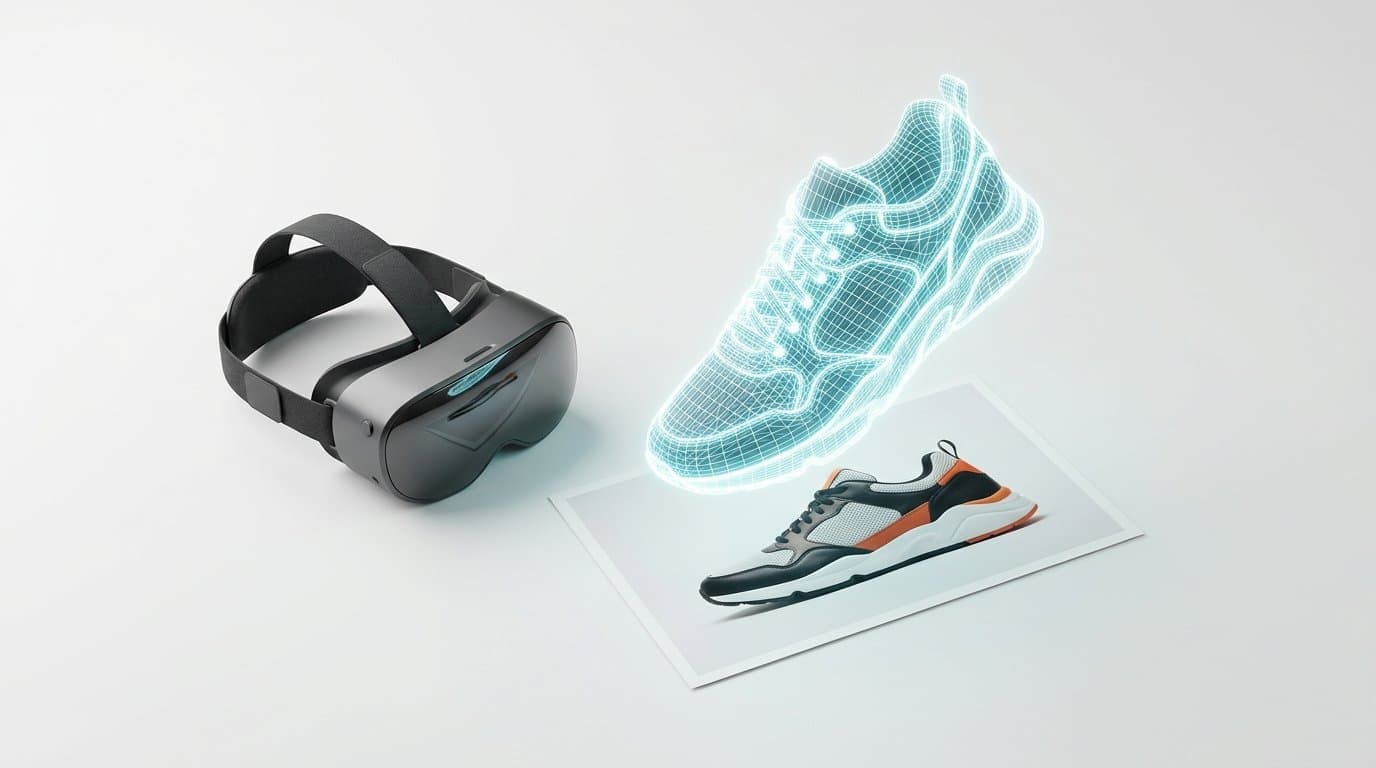
How to Turn 2D Product Photos into 3D Models for Shopify Using AI
Spatial commerce is no longer just for big brands. Learn how to use new 2026 AI generation tools to turn your standard 2D product photos into interactive 3D and AR models for your Shopify store.
How to Generate AI Lifestyle Photos for Product Bundles and Kits
Generating AI lifestyle photos for a single item is easy, but combining multiple distinct SKUs in one shot often results in warped, blended products. Learn the exact workflows to perfectly render cohesive product kits for your Shopify store.
Generate Stunning Product Photos with AI
Modelize is a Shopify app that creates professional product images in seconds - AI models, backgrounds, and more. No photoshoot needed.