How to Turn 2D Product Photos into 3D Models for Shopify Using AI
Why Flat Images Fall Short in a Spatial Web
You launch a new line of hand-glazed ceramic espresso machines. The product photography looks incredible. Customers add the item to their cart, complete the checkout, and wait for the delivery. Two weeks later, a wave of return requests hits your inbox. The buyers love the color, but they completely misjudged the physical footprint of the machine. It does not fit under their kitchen cabinets.
We see this dynamic constantly across almost every retail category. Flat photography leaves a massive imagination gap. Shoppers have to guess the depth, the surface texture, and the exact physical dimensions based on carefully staged angles. Many merchants try to solve this by simply cramming twelve different JPEGs into a product carousel. More photos rarely fix the underlying issue. People want to physically inspect the item.
Spatial commerce is shifting how we browse online. With the mainstream 2026 adoption of the Apple Vision Pro and Shopify's aggressive push into WebAR integrations, interactive 3D product views are rapidly becoming a baseline expectation. If a shopper can digitally place a couch in their living room or spin a coffee grinder around to check the cord placement, they are far more likely to trust the product enough to buy it.
The barrier used to be purely financial. Five years ago, creating a spinnable 3D asset meant mailing your physical product to a specialized studio for laser scanning. Your other option was paying a 3D artist hundreds of dollars per SKU to manually build a mesh in software like Blender. That model is completely unscalable if you have a massive catalog.
Now, artificial intelligence bridges that exact gap. You can generate highly accurate spatial files using the basic 2D photography you already have on hand.
The Economics of Interactive 3D on Shopify
Adding spatial assets directly affects the bottom line. The math behind this shift is heavily documented by e-commerce platforms.
According to Shopify's own published data, product pages featuring 3D models see an average conversion rate uplift of 94 percent. That is roughly double the sales velocity of a static page. Shoppers who interact with these spatial models also demonstrate a 64 percent higher purchase intent than those who only look at standard images.
The real financial relief shows up in your reverse logistics. Returns cost the e-commerce sector hundreds of billions of dollars annually, and the primary driver is mismatched expectations. Adding an interactive 3D viewer cuts return rates by an average of 40 percent.
A customer who can rotate a digital boot to see the heel construction or check the exact depth of a bookshelf through their phone camera experiences far fewer surprises on delivery day.
How AI Bridges the 2D to 3D Gap
Start by auditing your current media library. Thousands of merchants already use AI for their primary catalog visuals. You might use tools like Photoroom for bulk background removal, or perhaps you rely on our own app, Modelize, to generate professional on-model and studio lifestyle photography without booking physical photoshoots.
Those high-fidelity outputs serve as the ideal starting materials for 3D generation.
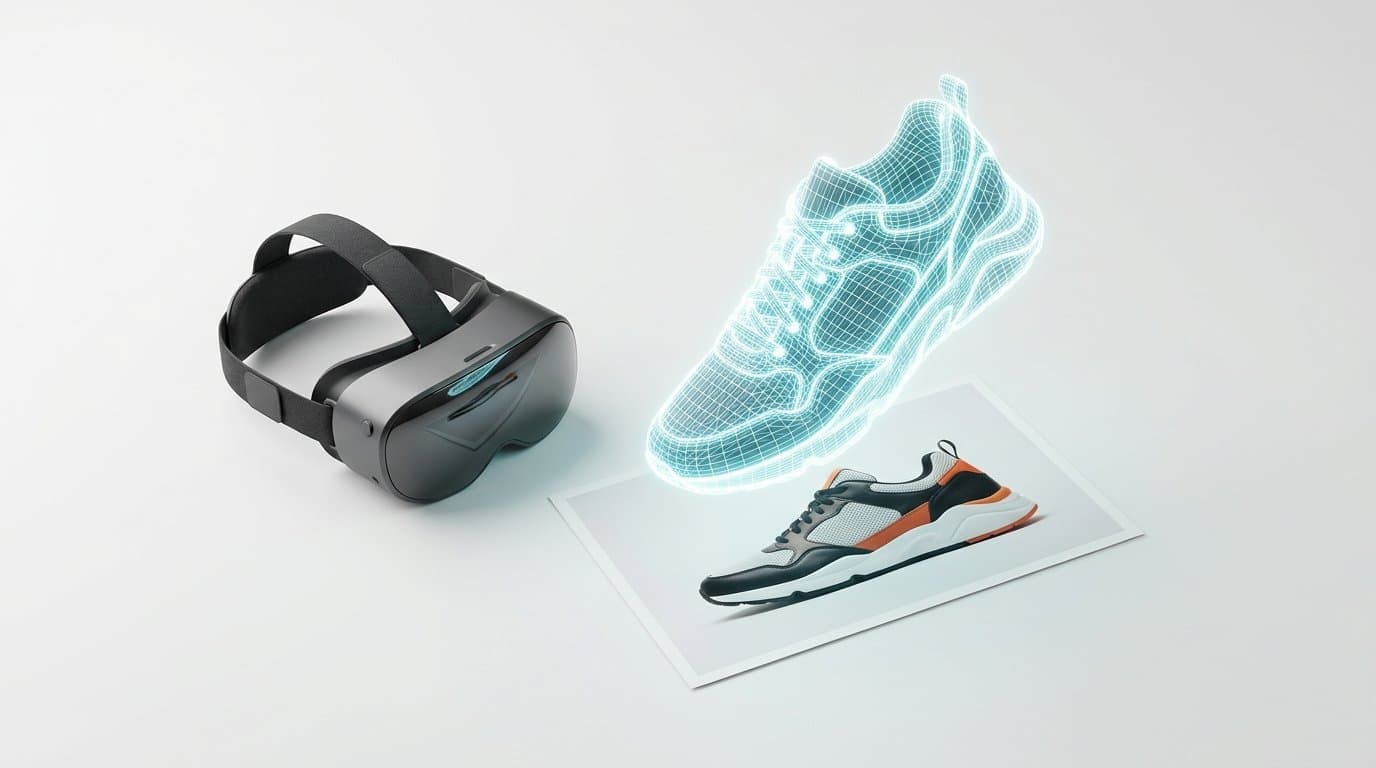
Software platforms like 3DMyPhoto have completely altered the spatial asset pipeline. You upload a standard, flat image. The AI engine then analyzes the visual data, estimates the depth, maps the structure, and automatically extrudes a watertight 3D mesh. It wraps your original photo around that mesh as a texture map. What used to take forty hours of manual artist labor now processes in a matter of minutes.
This allows single-operator DTC brands to offer the exact same immersive browsing experiences as massive enterprise retailers.
Prepping Your Source Images for the Best Results
Lighting is the single most critical factor here. A 3D model relies entirely on texture maps to skin the digital object. If you feed an AI generator a photo with intense, dramatic shadows cast across the product, those dark spots become permanently baked into the geometry.
When a shopper places that item in their brightly lit living room using augmented reality, the baked-in shadow will look jarringly out of place. It breaks the illusion immediately.
You want clean, flat, evenly lit source images. A pure white or transparent background yields the most accurate mesh generation. If your AI-generated product shots feature heavy stylized lighting, you should generate a secondary, neutrally lit version specifically to feed into the 3D converter.
Generating and Validating Your 3D Assets
Generating the initial file is simple, but you need to pay attention to the technical specifications before pushing anything live.
File size demands strict oversight. High-resolution textures and dense polygon counts will severely bloat your digital asset. If your exported file is forty megabytes, it will cripple your mobile page speed and frustrate users on cellular networks. Shopify explicitly recommends keeping these files under 15MB for optimal storefront performance.
Most AI generation tools apply automatic decimation. This is the process of reducing the polygon count while preserving the visual shape of the object. Always check the final file weight. We highly recommend running your new asset through a free online glTF validator tool just to ensure the file structure has no hidden errors that might break older mobile browsers.
Understanding GLB and USDZ Formats
If you want total device coverage, you need to understand the two major file types governing web-based 3D content.
GLB is the universal standard for web browsers and Android devices. It conveniently packages the model geometry, textures, and lighting data into a single, highly efficient file.
USDZ is Apple's proprietary format. They developed it specifically for iOS hardware to power AR Quick Look features on iPhones, iPads, and the Vision Pro headsets.
Luckily, Shopify handles the heavy lifting for merchants. When you upload a properly formatted GLB file to your product media library, the platform automatically generates a USDZ fallback in the background. This ensures Apple users get a native, high-performance viewing experience without requiring you to manage duplicate files.
High-Impact Retail Categories
Certain product types practically demand this technology to sell effectively online. While a basic graphic t-shirt might not see a massive conversion jump from a 3D view, other categories thrive on spatial context.
- Furniture and Home Goods: Couches, lamps, and dining tables have massive physical footprints. Buyers need to know if a mid-century credenza will block their hallway or clash with their wall color. Augmented reality answers those spatial questions instantly.
- Kitchen Appliances: Counter space is premium real estate in most homes. Shoppers want to know the exact dimensions of a blender or espresso machine.
- Footwear: Sneakers and boots feature intricate material mixes, arch supports, and tread patterns that flat photography notoriously struggles to capture properly.
- Bags and Luggage: Buyers use AR simply to check the volume of a carry-on before booking a flight.
Getting These Files Onto Your Storefront
Uploading spatial files to your live catalog takes minimal effort once the assets are properly compressed.
- Navigate to your Shopify admin dashboard and open the target product listing.
- Click the media section and upload your
.glbfile just like you would a standard JPEG. Wait for the processing bar to finish. - Add a clear UI prompt on the storefront so visitors actually know the item is interactive. A small 3D cube icon overlaid on the image or a text button reading "View in your space" usually does the trick.
- Test it on a physical smartphone to ensure the scale translates correctly to the real world.
Making the Math Work for Your Catalog
You do not need to convert your entire store inventory overnight. Approaching spatial commerce as an all-or-nothing project usually leads to analysis paralysis.
Start by isolating your top ten bestsellers or the specific items suffering from the highest return rates due to sizing misunderstandings. Take your existing high-quality photos, run them through an AI 3D generator, and upload the resulting files to those specific product pages. Monitor the add-to-cart rates and return requests over a four-week period.
The data will likely validate the effort. Once you prove the ROI on a small batch of products, you can confidently scale the process across your entire catalog, giving your customers the tactile, interactive shopping experience they expect in a spatial web.
More in Product Photography
View all
How to Train Midjourney v8.2 Personalization Profiles for Shopify Brands
The latest Midjourney v8.2 update drastically improves AI style personalization. Learn how to train the algorithm to inherently match your exact brand aesthetic for highly consistent e-commerce lifestyle photography.

How to Refine Shopify Product Photos Using Multi-Turn AI Inpainting
Learn how to stop re-rolling AI image generations and use targeted multi-turn inpainting to fix specific elements, swap lifestyle props, and perfect your product photos.

How to Generate AI Lifestyle Photos for Product Bundles and Kits
Generating AI lifestyle photos for a single item is easy, but combining multiple distinct SKUs in one shot often results in warped, blended products. Learn the exact workflows to perfectly render cohesive product kits for your Shopify store.
Generate Stunning Product Photos with AI
Modelize is a Shopify app that creates professional product images in seconds - AI models, backgrounds, and more. No photoshoot needed.