How to Train Midjourney v8.2 Personalization Profiles for Shopify Brands
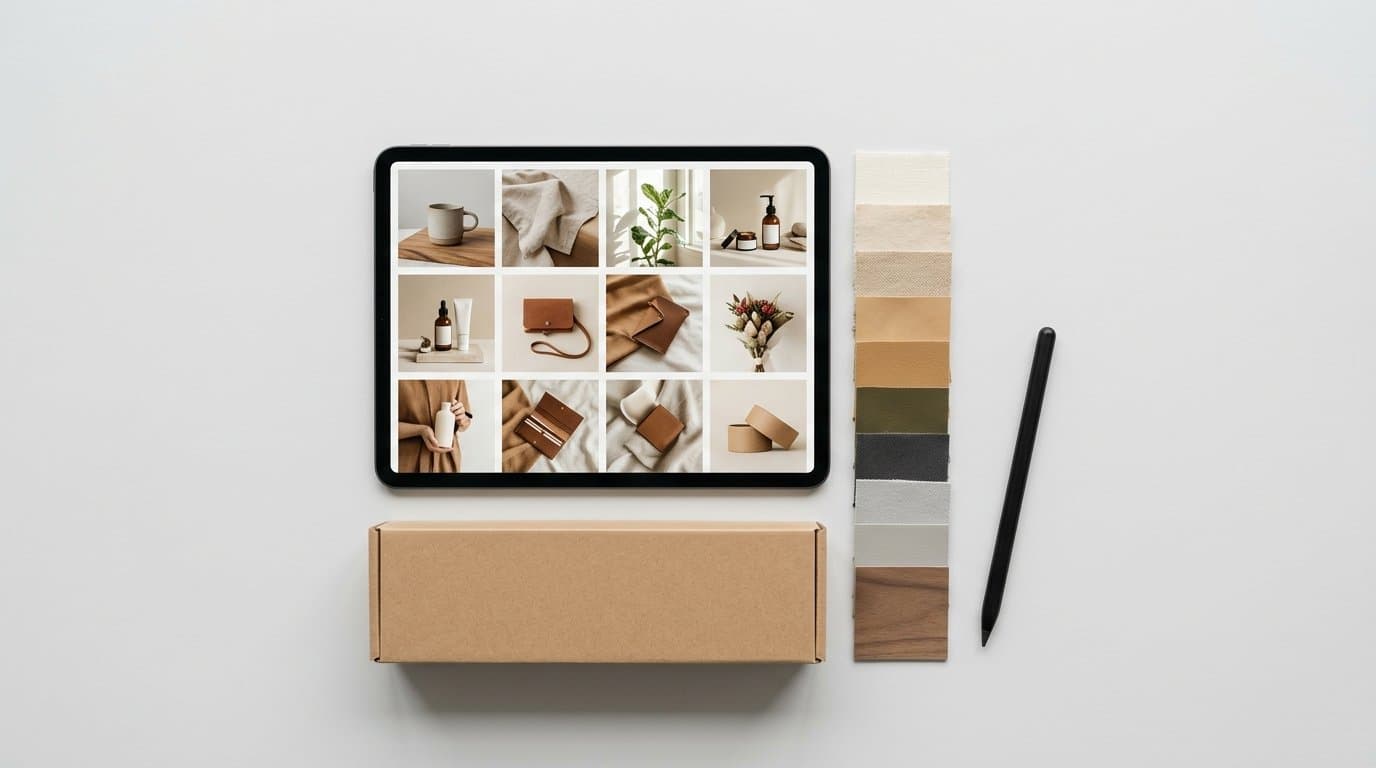
The End of the Paragraph-Long Style Prompt
Anyone who manages visual merchandising for a Shopify store knows the pain of "prompt bloat." We used to spend hours wrestling with adjectives. You'd type out absurdly long strings of text like "soft morning sunlight streaming through a window, minimalist aesthetic, muted neutral tones, 35mm film photography, highly detailed, photorealistic, sharp focus" just to get a passable background for a bottle of face serum.
It rarely scaled well.
You had to copy and paste that massive block of text across every single image generation attempt. Even then, the algorithm would often forget half of your instructions. It might randomly hallucinate a hyper-saturated, glossy studio look that completely clashed with your carefully curated brand guidelines. Marketers were acting more like thesaurus editors than art directors, constantly hunting for the magic word that would fix an awkward shadow.
September's release of Midjourney v8.2 fundamentally shifts this dynamic.
The upgraded Personalization system finally moves us away from vocabulary-driven aesthetics and toward a visual-first training model. By actively ranking pools of images, you teach the model your exact brand identity through visual preference rather than prose. We've seen brands replace fifty words of style description with a simple six-character shortcode. This drastically speeds up the creation workflow while returning highly consistent lifestyle backgrounds that actually match a store's established identity.
How the Upgraded Ranking System Works
You no longer have to hope the AI understands your personal definition of "minimalist chic." The new personalization workflow relies on a curated voting mechanism hosted directly on the web interface.
Instead of typing, you click. Midjourney presents you with pairs or grids of generated images. You choose the one that feels closer to your desired brand aesthetic. Doing this repeatedly builds a custom style profile, which is assigned a unique alphanumeric code. You append that code to your actual product prompts using the --p parameter.
But getting a high-quality profile requires a deliberate strategy.
We've watched creative teams jump straight into ranking without a plan, blindly clicking on pictures they think look pretty in the moment. That scattered approach leads to a messy, confused style profile. To build a robust e-commerce asset, you need to intentionally feed the system the right seed concepts from the very beginning.
Curating Your Initial Concept Pool
Before you even touch the ranking tool, generate a broad set of images that loosely align with your target vibe. You want to establish a diverse foundation of lighting and texture.
If you sell vegan leather tote bags, don't just generate pictures of bags. Generate living rooms, city streets, coffee shop tables, and fashion editorials. Generate architectural details and abstract shapes.
You want the model to understand how light behaves in your ideal world. Guide the initial generation phase by creating scenes with:
- Specific lighting setups, like harsh direct flash or soft diffused overcast sunlight.
- Different color palettes, ranging from moody jewel tones to bright pastel backdrops.
- Various textures and materials like raw linen, poured concrete, brushed steel, or frosted glass.
- A mix of tight macro detail shots and wide environmental scenes.
This variety ensures the algorithm has a wide enough sample size to understand your true aesthetic preferences, rather than just learning to draw one specific type of object over and over again.
The Art of the Click
Once your pool is generated and the ranking session begins, you need strict discipline.
Vote strictly on the styling, never on the subject matter. This is the hardest habit to break for most e-commerce operators. If the screen shows a neon-drenched cyberpunk sports car next to a beautifully lit, softly focused bowl of fruit on a rustic wooden table, you must click the fruit. Even if you sell automotive parts.
You're teaching the model about lighting, color grading, and composition. The actual objects in the ranking images are completely irrelevant to the style profile. By consistently choosing the rustic, softly lit option across hundreds of pairs, the algorithm mathematically maps those visual traits to your new profile code.
Spend about twenty minutes rating a few hundred pairs. The system will process your choices and issue your custom shortcode.
Hosting an Internal Ranking Party
One highly effective tactic we recommend is gathering your visual team for a collaborative ranking session. Hook your laptop up to a monitor in a conference room. Run through the image pairs together.
Debating why one image fits the brand better than another forces your team to articulate your visual standards. Do we prefer warm shadows or cool shadows? Do we like heavy film grain or clean digital sharpness?
These alignment conversations are incredibly valuable. They ensure that whoever is running the Midjourney account later in the week has a deep, shared understanding of what makes an image mathematically correct for your specific store.
Putting Your Custom Profile to Work
Applying your new aesthetic to production tasks takes mere seconds.
Let's say your custom profile code is cx92vq. You want to generate a lifestyle background featuring a marble countertop for a new jewelry line.
Rather than drafting a massive paragraph describing the ambient lighting, the camera lens, the film stock, and the exact shade of the shadows, your prompt becomes incredibly brief. You simply type: a sleek marble countertop --p cx92vq.
The output will automatically adopt the lighting, film grain, and color palette you spent time training. Your generated countertops will look like they belong in your specific catalog. We've seen this method drastically reduce the time it takes to generate acceptable lifestyle backgrounds for seasonal campaigns.
You're also completely free to create multiple profiles for different marketing funnels.
A bright, high-contrast, slightly unpolished profile might serve your Instagram Story ad creatives perfectly, mimicking user-generated content. Meanwhile, a moodier, perfectly balanced studio-lit profile could be reserved strictly for your main website hero banners. You can even blend two distinct profiles together in a single prompt by typing both codes and weighting them. This gives art directors incredible, nuanced control over the final atmosphere of their assets.
Avoiding Common Personalization Pitfalls
Training these models is straightforward, but mistakes happen frequently.
Over-fitting is a major issue we see constantly. If you only vote for images featuring dark green backgrounds during your ranking session, your personalization profile will aggressively inject dark green into everything you generate. If you try to prompt for a sunny beach scene using that profile later, the model might struggle and produce a weirdly tinted, gloomy ocean with green sand.
Keep your aesthetic preferences consistent in terms of lighting and contrast, but intentionally vary the actual colors, subjects, and settings you vote for.
Another problem is ignoring the stylize parameter. Sometimes your custom profile might feel too overpowering. It might wash out the specific details of the background you're trying to generate, replacing them entirely with abstract stylistic flourishes. You can dial back the intensity of your personalization by lowering the standard stylize weight in your prompt, or adjusting the personalization weight itself with --s and --p values. Finding the right mathematical balance usually takes a few test runs.
We highly recommend maintaining a shared spreadsheet for your team. Track which alphanumeric codes correspond to which brand campaigns. Include a few example images next to each code. This prevents accidental aesthetic drift if a junior employee uses the wrong profile code for a major product launch.
Bridging the Gap Between Concept and Catalog
Midjourney v8.2 is exceptional at generating moods, backgrounds, and conceptual inspiration. The personalization upgrade makes it easier than ever to ensure those generated scenes perfectly match your brand's unique visual identity without writing a novel.
But a massive hurdle remains for actual retail execution.
You can't sell a generic, AI-hallucinated product. You have to sell your exact SKU. Your customers need to see the precise stitching on that leather tote bag, the exact curvature of your ceramic mug, or the specific typography on your hot sauce bottle label.
Generating a beautiful, brand-aligned background is only step one. The difficult, time-consuming part is taking your actual product photography and manually compositing it into that Midjourney scene.
You have to carefully cut out your product in Photoshop. Then you have to paste it into the generated background. Next comes the tedious process of painting in realistic contact shadows so the item doesn't look like it's floating. You have to color-match the lighting on the product to the ambient lighting in the AI background. Finally, you might need external tools to clean up the edge masking.
Doing this for one single hero image takes an hour of skilled labor. Doing it for an entire catalog of three hundred products is an operational nightmare. Midjourney provides an incredible canvas, but it forces you to become a digital painter to actually finish the job and get it ready for your product pages.
For Shopify merchants who want the benefits of AI aesthetics without the intense manual labor of compositing, a more integrated approach makes sense. Modelize takes your standard flat-lay or basic studio product photos and generates professional on-model and lifestyle photography directly inside your Shopify dashboard. It handles the complex lighting matching, the accurate shadow generation, and the aesthetic consistency automatically. Your actual merchandise remains perfectly accurate and structurally sound, eliminating the need for complex prompting workflows or jumping between external image editors.
Training custom profiles via visual ranking remains a fantastic way to explore and codify your brand's visual identity. The web interface is a massive leap forward for initial creative direction. But when the time comes to actually launch real physical products on your storefront, having an automated pipeline tailored specifically for retail conversion is what actually drives growth.
More in Product Photography
View all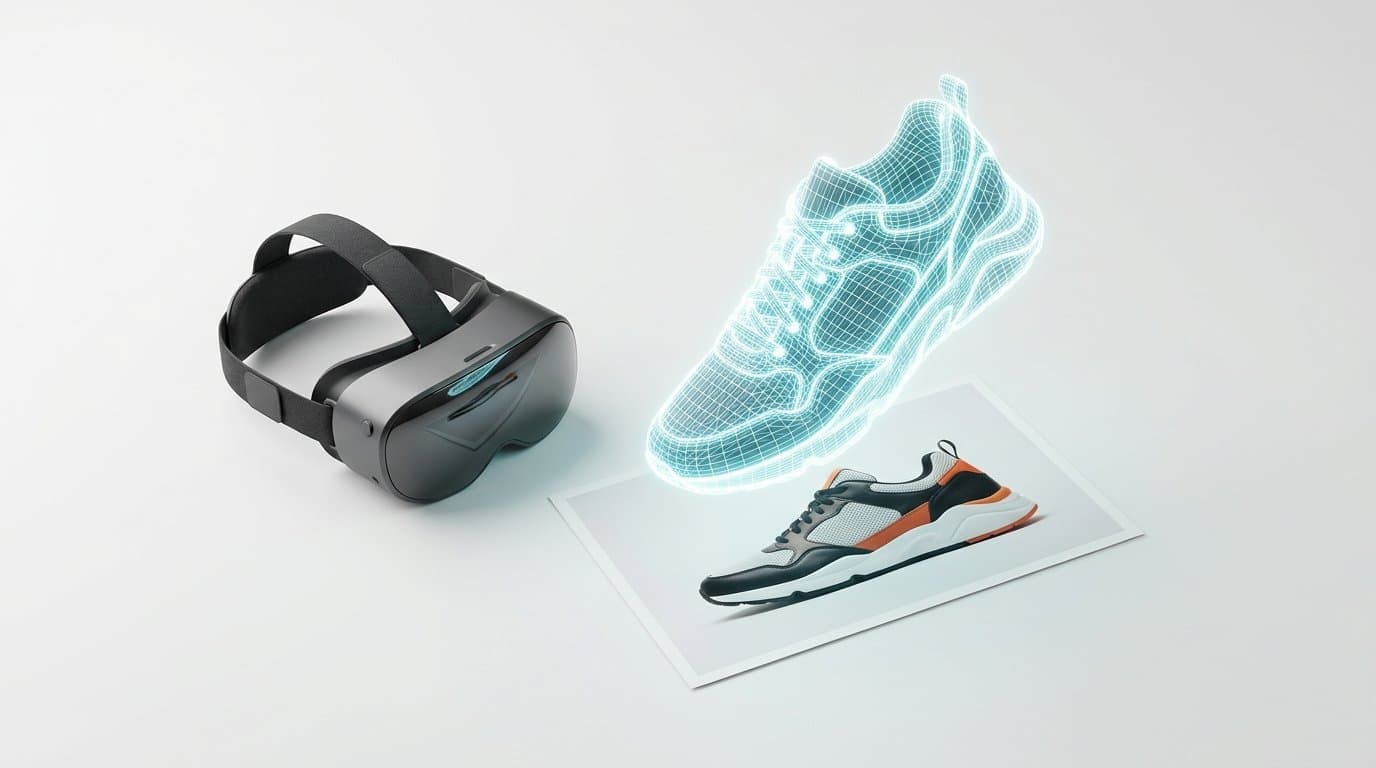
How to Turn 2D Product Photos into 3D Models for Shopify Using AI
Spatial commerce is no longer just for big brands. Learn how to use new 2026 AI generation tools to turn your standard 2D product photos into interactive 3D and AR models for your Shopify store.
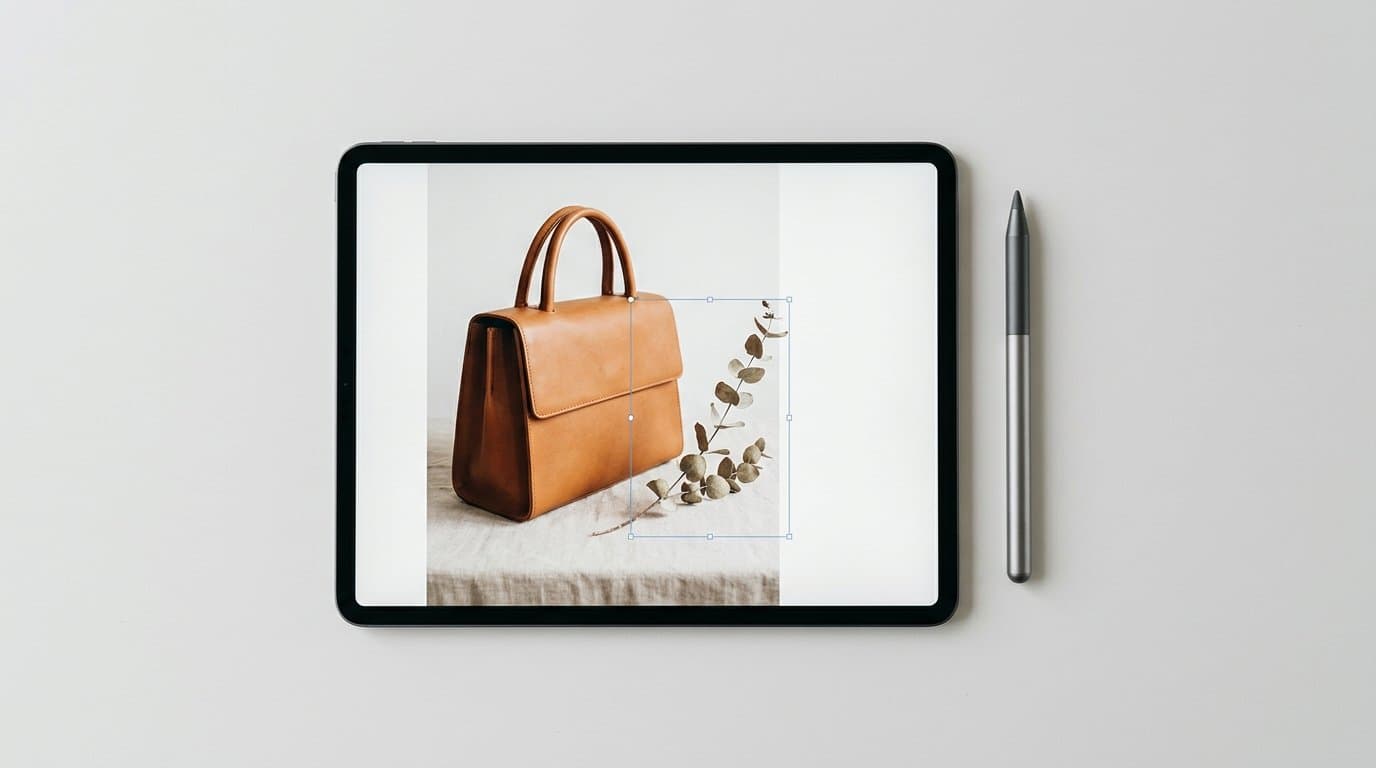
How to Refine Shopify Product Photos Using Multi-Turn AI Inpainting
Learn how to stop re-rolling AI image generations and use targeted multi-turn inpainting to fix specific elements, swap lifestyle props, and perfect your product photos.
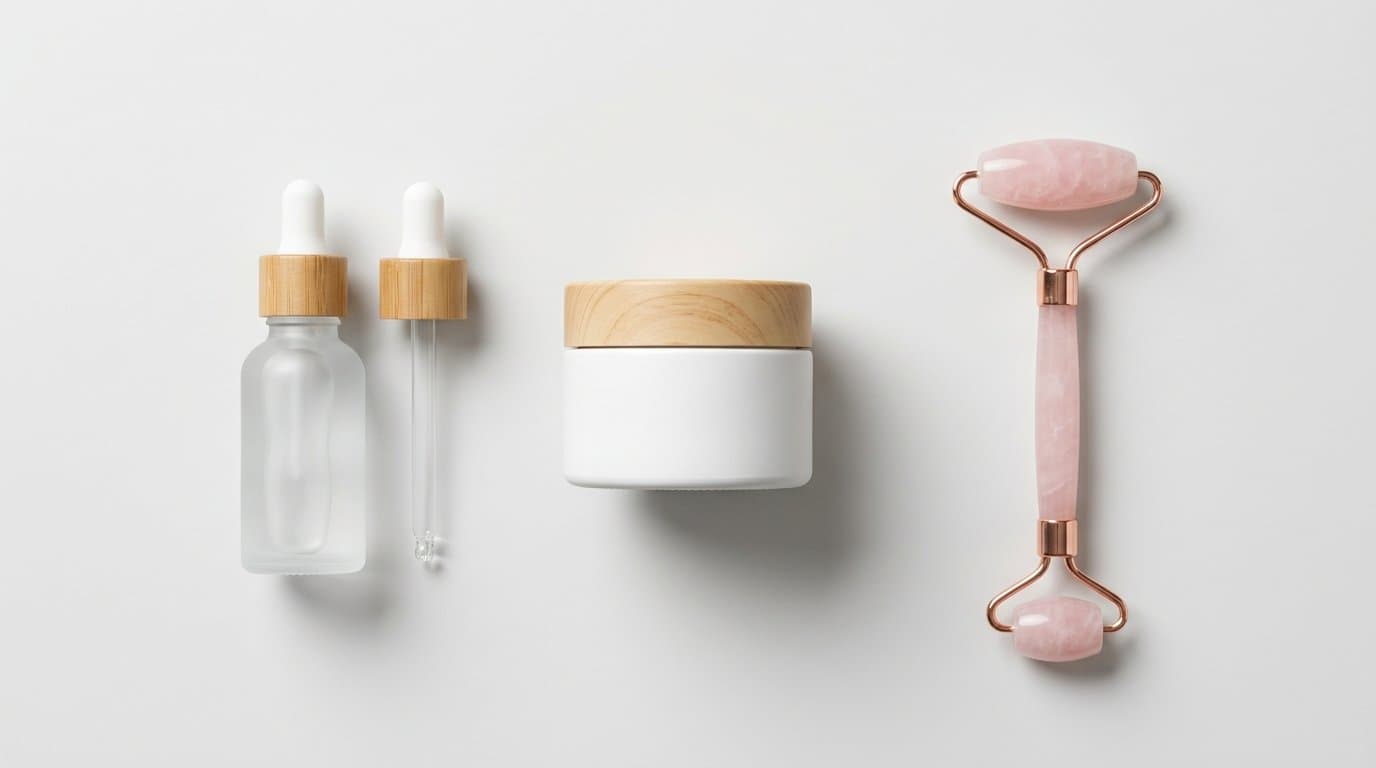
How to Generate AI Lifestyle Photos for Product Bundles and Kits
Generating AI lifestyle photos for a single item is easy, but combining multiple distinct SKUs in one shot often results in warped, blended products. Learn the exact workflows to perfectly render cohesive product kits for your Shopify store.
Generate Stunning Product Photos with AI
Modelize is a Shopify app that creates professional product images in seconds - AI models, backgrounds, and more. No photoshoot needed.