How to Generate AI Lifestyle Photos for Product Bundles and Kits
The Multi-SKU Headache in AI Photography
For the last two years, creating artificial intelligence photography for single products was simple enough. You upload a reference photo of a face serum, type a few words about a marble countertop, and out pops a clean, usable asset. Grouping multiple different items into a single scene, however, remained an absolute nightmare.
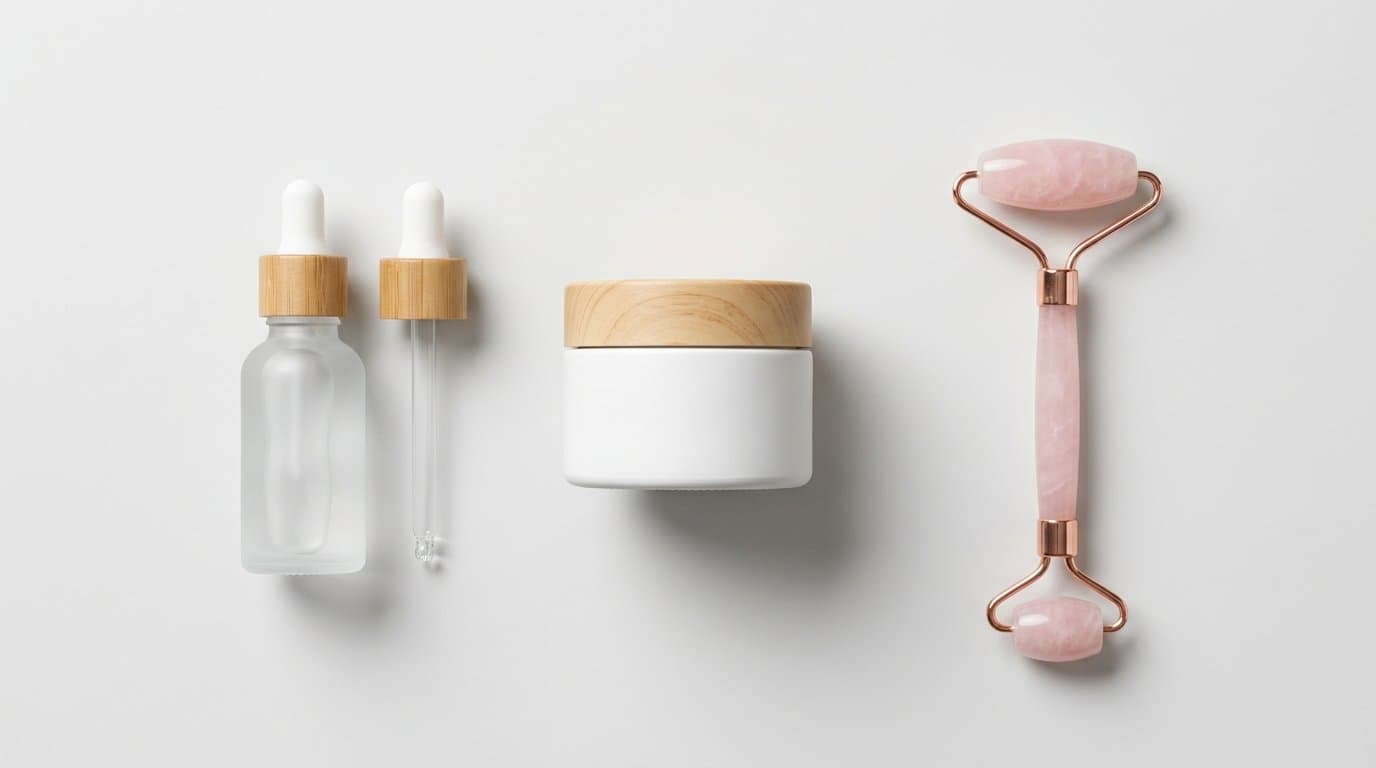
We've all seen the results. You try to generate a skincare kit containing a tall cleanser bottle, a short moisturizer tub, and a tiny eye cream tube. The AI tries its best. What you get back is a mutant, melted franken-bottle. The cap of the cleanser fuses with the body of the moisturizer. The label text from the eye cream bleeds randomly across all three items. The shadows behave like the products exist in three separate dimensions.
This frustration hit a boiling point for merchants trying to build product bundles. Grouped offerings are not optional for serious Shopify brands. A 2025 Forrester study found that optimizing average order value (AOV) delivers revenue growth 2.5 times faster than trying to optimize conversion rates alone. Bundling complementary items is the most direct way to bump that AOV. If you sell supplements, putting a magnesium jar next to a vitamin D bottle and an ashwagandha pouch can easily increase your order value by 20 to 30 percent.
But selling that bundle requires a hero image of all three items together. Booking a traditional studio shoot just to photograph 50 different permutations of a custom routine kit destroys your profit margins before the Q4 rush even begins.
Fortunately, September 2026 brings a permanent fix to this visual merchandising problem. The days of melted multi-product generations are officially over.
How Regional Generation Fixed the "Mutant" Problem
To understand the solution, we have to look at why older platforms failed. Earlier diffusion models read your entire text prompt and applied those concepts universally across the whole canvas. If you mentioned a pink glass bottle and a blue cardboard box, the system would likely give you a pinkish-blue box made of glass. It lacked the spatial awareness to separate the concepts.
That changed fundamentally with the widespread adoption of regional generation and precision multi-reference models. Tools built on the latest FLUX.2 architecture, released by Black Forest Labs, finally process distinct zones within a single image generation. You can now map out specific areas of your composition mathematically.
This technology allows you to anchor up to ten different reference images simultaneously. The AI understands that reference image A (the pink bottle) belongs exclusively in the left quadrant. Meanwhile, reference image B (the blue box) sits firmly on the right. They share the same generated environment, but their physical attributes do not cross-pollinate.
This isolation is what makes true kit photography possible. You get sharp borders between products. The typography on your labels remains crisp and contained. The structural integrity of a square box stays perfectly square, even if it sits directly in front of a completely spherical jar.
Structuring Your Prompts and References for Kits
Getting these clean, accurate multi-SKU shots requires a slightly different workflow than generating a single-product lifestyle image. In our experience, setting up the right input data is the entire battle.
First, your reference assets must be flawless. Do not upload photos of your products already sitting in complex environments. You need clean, flatly lit, straight-on shots of each component isolated on a white or transparent background. If your source image has a dramatic left-leaning shadow, the AI will fight you when you try to light the final bundle from the right side.
Next, you have to dictate the spatial arrangement clearly. Avoid vague grouping words. Instead of asking for a bundle of hair care products on a shelf, use explicit positioning. Try something closer to: "A wide shot of a wooden bathroom shelf. Left foreground: a tall purple shampoo bottle. Center midground: a round white conditioner tub. Right foreground: a small glass hair oil dropper. Soft morning sunlight streaming from a window on the far right."
We see a lot of variation in how different platforms handle this spatial logic. Pixelcut and Photoroom are very fast for simple flat-lays but can sometimes struggle with deep z-axis depth when stacking items far behind one another. Claid and Botika offer rigid control but often lean toward highly synthetic, studio-style perfection rather than natural lifestyle warmth. Modelize handles this specific regional grouping natively, allowing you to visually drop multiple SKUs onto a virtual stage and lock their relative positions before generating the surrounding environment.
Third, keep your environmental descriptors separate from your product descriptors. If you want a shiny gold table, make sure the word "gold" is physically distant in your text prompt from the description of your "matte black bottle." Grouping your scene details at the very end of the prompt helps the model parse the background as a separate layer from the merchandise.
Lighting and Shadows: Selling the Illusion
The hardest part of a bundle is making the items look like they share the same physical space. Even if you successfully generate three distinct products without them melting together, the image will look like a cheap collage if the lighting is wrong.
Shadows are the anchor of reality.
When physical objects sit next to each other, they interact. A tall bottle will cast a shadow over a short jar next to it. Their colors might even bounce onto one another through global illumination. Early generative tools completely ignored these interactions.
To force the model to calculate realistic shared lighting, you must define a single, strong light source. Vague lighting prompts like "good lighting" or "bright" cause the system to light each product individually from the front. This flattens the image and destroys any sense of depth.
Specify the exact direction and quality of the light. Ask for harsh midday sun casting long distinct shadows toward the bottom left. Or request soft diffused studio lighting from directly above.
This forces the AI to map a consistent 3D environment over all the regions. It calculates exactly how the tall bottle blocks the light hitting the short jar. It renders a cohesive cast shadow behind the entire grouping.
We also highly recommend incorporating interactive props to ground the products. If you are generating a matcha tea bundle, add a line about loose green matcha powder spilled across the table, dusting the base of both the tin and the bamboo whisk. When a generated environmental element physically touches or wraps around multiple SKUs, it tricks the human eye into accepting the scene as a single, unedited photograph.
Scaling Bundle Imagery for Q4
Creating these assets efficiently changes how you plan your promotional calendar. Historically, merchants only photographed their top three pre-packaged kits. The cost of shooting every possible combination was entirely too high.
Regional generation changes the math completely.
Imagine a custom build-a-box offer where a customer selects one cleanser, one toner, and one moisturizer from your entire catalog. There might be 45 possible combinations. You can now generate distinct, high-quality lifestyle photography for all 45 permutations. You can display the exact bundle a customer built right on their cart page, sitting on a sunlit bathroom vanity, rather than showing three isolated product shots floating next to a tiny plus sign.
This level of visual specificity dramatically reduces cart abandonment. Shoppers feel a stronger sense of ownership over a customized kit when they see a cohesive lifestyle photograph of their exact selection.
The same logic applies to scaling across marketing channels. You can take that exact same bundle configuration and regenerate just the background for different campaigns. Place your bestselling holiday bundle on a bed of pine branches and snow for your November email blast. Move those exact same three products onto a sleek marble block surrounded by confetti for your New Year campaign.
The SKUs remain perfectly consistent. The branding stays crisp. The items never merge.
Overcoming Edge Cases and Stubborn Outputs
Even with the best models available in late 2026, you will occasionally hit a wall. Certain product shapes naturally confuse the software.
Transparent items like glass bottles or clear acrylic jars are notoriously difficult to group. The AI has to calculate how the background environment refracts through the front item, while also rendering the second product sitting behind it. If you stack clear items in front of one another, the image often degrades into visual noise. The solution is to keep transparent SKUs strictly adjacent to each other. Do not overlap them in depth. Place them side-by-side so the model only has to calculate the refraction of the background, not the refraction of another complex product.
Reflective metallic surfaces pose a similar challenge. A chrome supplement tub will try to reflect its surroundings. If the AI doesn't properly reflect the neighboring product in that chrome surface, the image immediately looks fake to the human eye. For highly reflective bundles, opt for matte, dark environments that absorb light rather than complex, busy backgrounds. This minimizes the amount of reflection the model has to invent.
Small text on secondary items can also degrade. While FLUX.2 and similar architectures handle typography beautifully on a main hero product, the tiny text on a secondary tube pushed into the background might turn into alien symbols.
Always prioritize your primary AOV driver. Put the most expensive or visually important item in the sharpest foreground and let the supporting items sit slightly out of focus in the back. A slight depth of field effect covers up minor imperfections on secondary SKUs and makes the whole composition feel like it was captured by a real DSLR camera with a wide aperture lens.
Creating multi-SKU AI photography used to be a massive gamble. Now, it is just a repeatable process. With clean reference files, strict spatial prompting, and a clear lighting direction, you can generate flawless bundle photography that actually drives sales. By building out these varied kit assets before the holiday traffic spikes, you give your store the visual merchandising it needs to maximize every single order.
More in Product Photography
View all
How to Train Midjourney v8.2 Personalization Profiles for Shopify Brands
The latest Midjourney v8.2 update drastically improves AI style personalization. Learn how to train the algorithm to inherently match your exact brand aesthetic for highly consistent e-commerce lifestyle photography.
How to Turn 2D Product Photos into 3D Models for Shopify Using AI
Spatial commerce is no longer just for big brands. Learn how to use new 2026 AI generation tools to turn your standard 2D product photos into interactive 3D and AR models for your Shopify store.
How to Refine Shopify Product Photos Using Multi-Turn AI Inpainting
Learn how to stop re-rolling AI image generations and use targeted multi-turn inpainting to fix specific elements, swap lifestyle props, and perfect your product photos.
Generate Stunning Product Photos with AI
Modelize is a Shopify app that creates professional product images in seconds - AI models, backgrounds, and more. No photoshoot needed.