Eyewear and accessories
Sunglasses
For eyewear brands that need on-model portraits, profile shots, and outdoor lifestyle frames that keep the frame in focus.
Presets for this category
These are the presets Modelize surfaces by default when you pick this category. Start with one or two, then expand if you need more variation.
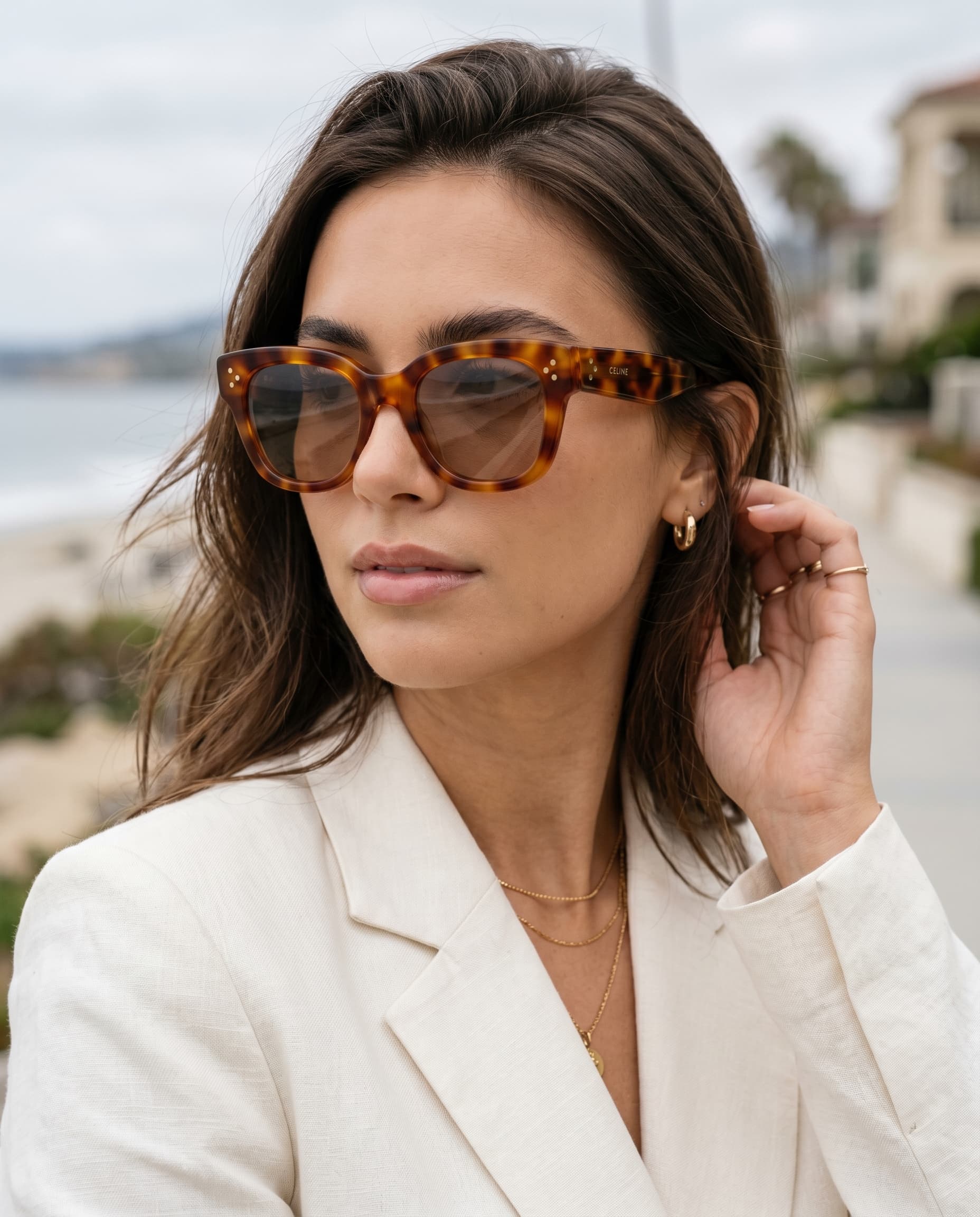
On model
On Model - Sunglasses Portrait
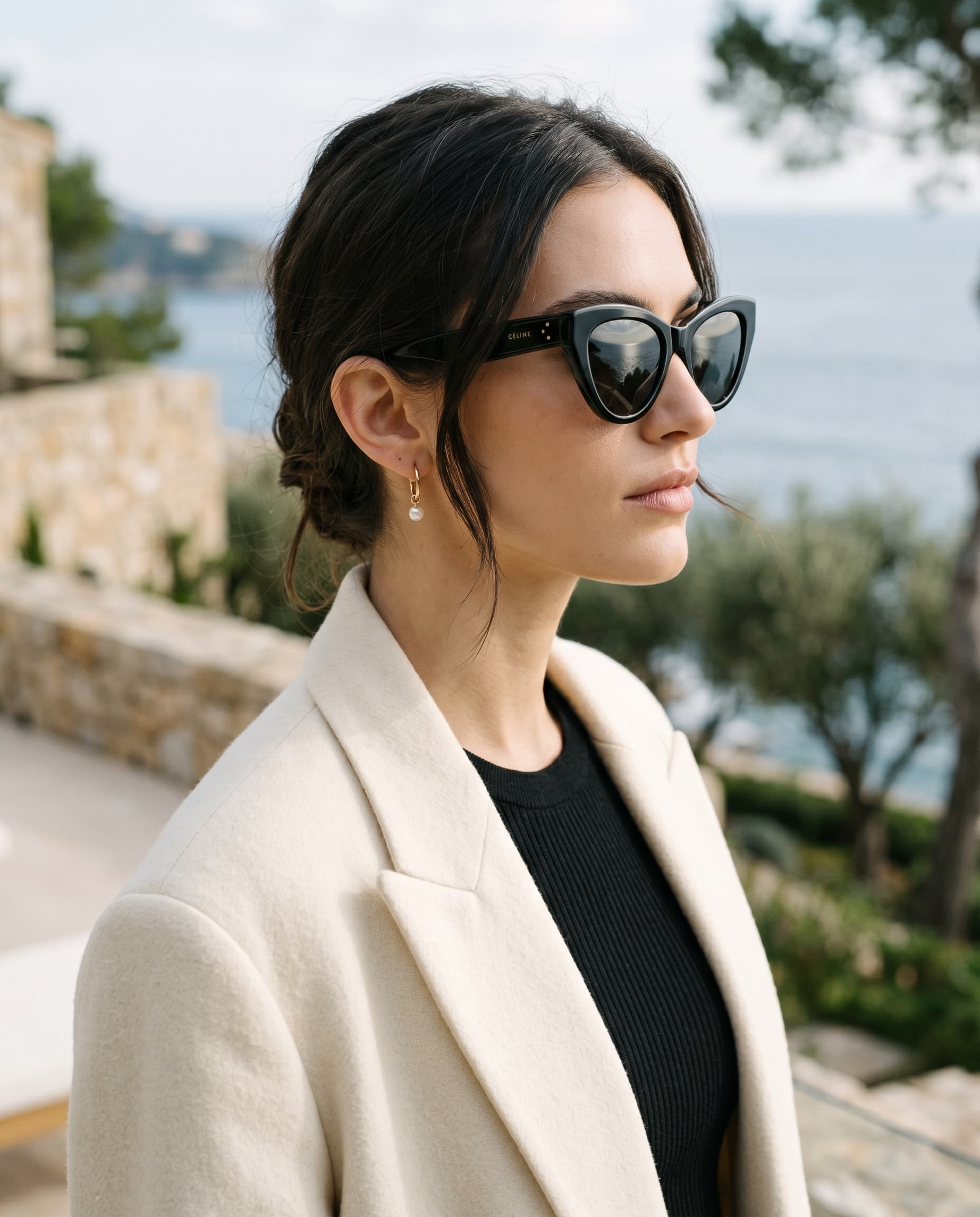
On model
On Model - Sunglasses Profile
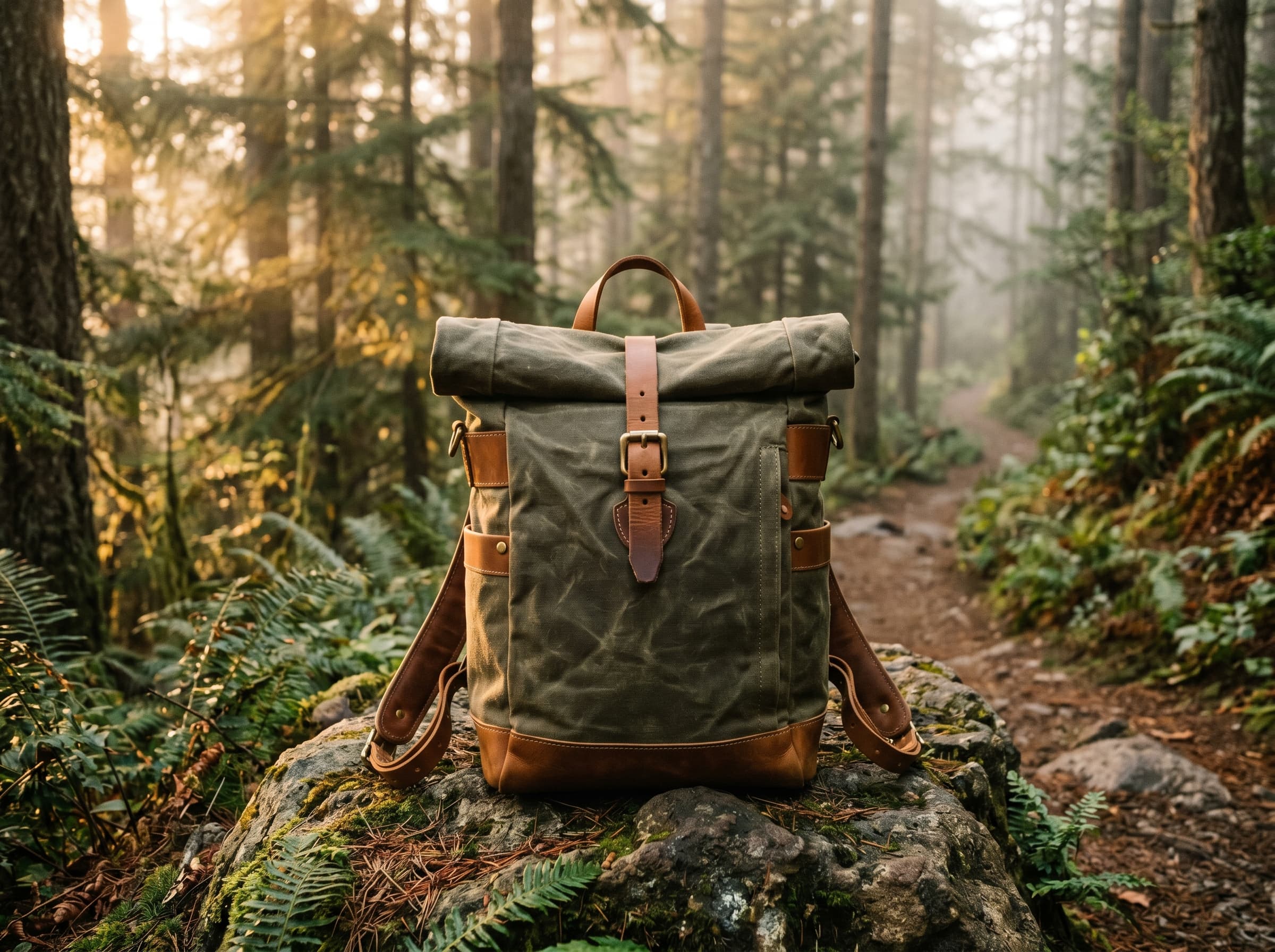
Lifestyle
Lifestyle - Outdoor
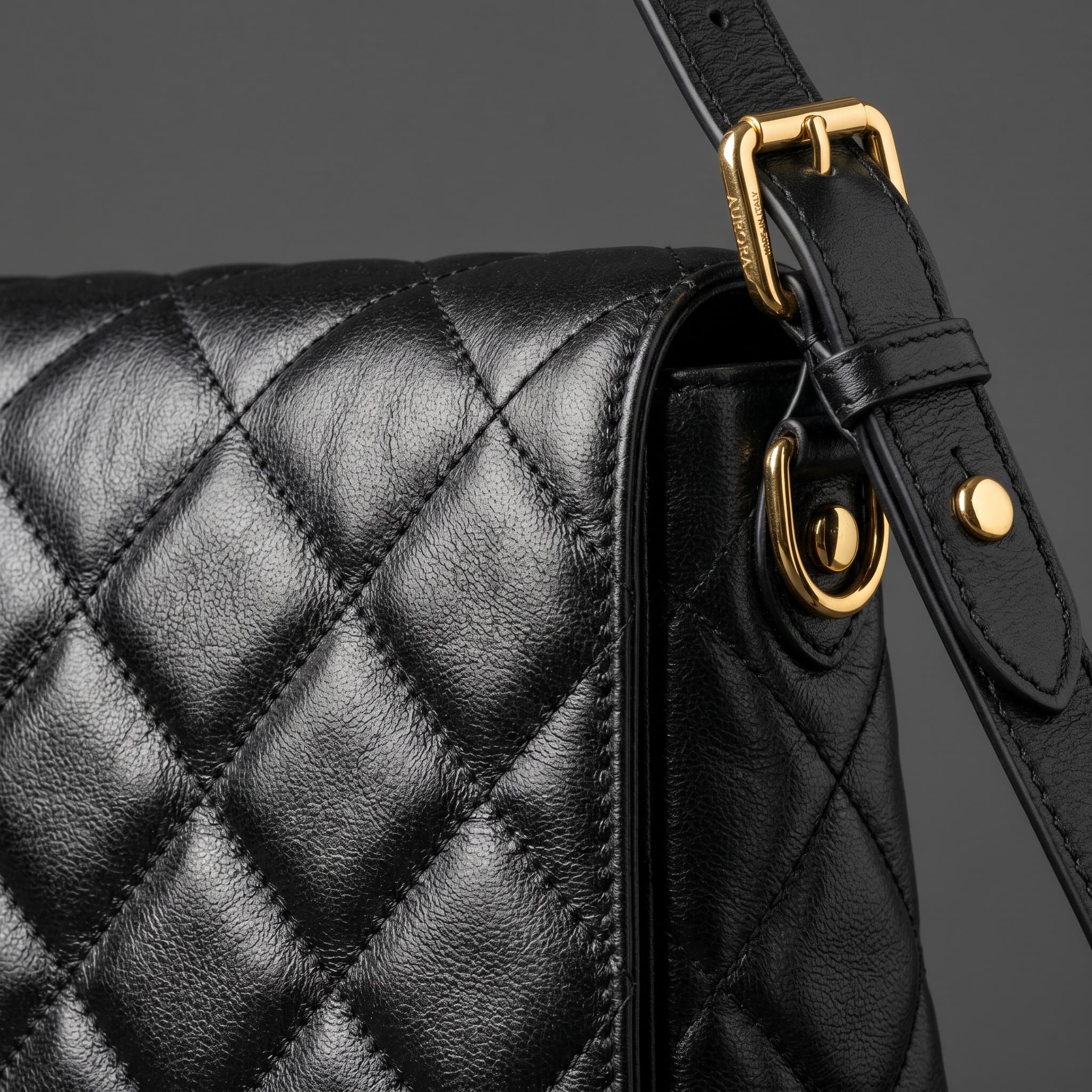
Detail
Detail - Macro
How the process works
The flow is the same for every category. Pick presets, pick products, generate — Modelize handles the rest.
Open the app
Click Generate images, or head to Presets first to favorite the ones you want to use.
Select your products
Make sure the first image of each product shows the product clearly — that is the source Modelize uses.
Choose your presets
Modelize surfaces presets that fit the category by default, so you can start without scrolling through everything.
Select your models
Pick from the built-in models or reuse a saved model when fit and styling need to stay consistent.
Check your parameters
Set image ratios, auto-publish, and AI-rewrite of product content if you want it. Everything stays optional.
Generate
It takes about 20–30 seconds per image and runs in the background, so you can keep working on anything else.