Back to use cases

Luxury detail imagery

AI jewelry imagery for clean luxury close-ups and detail-first product pages

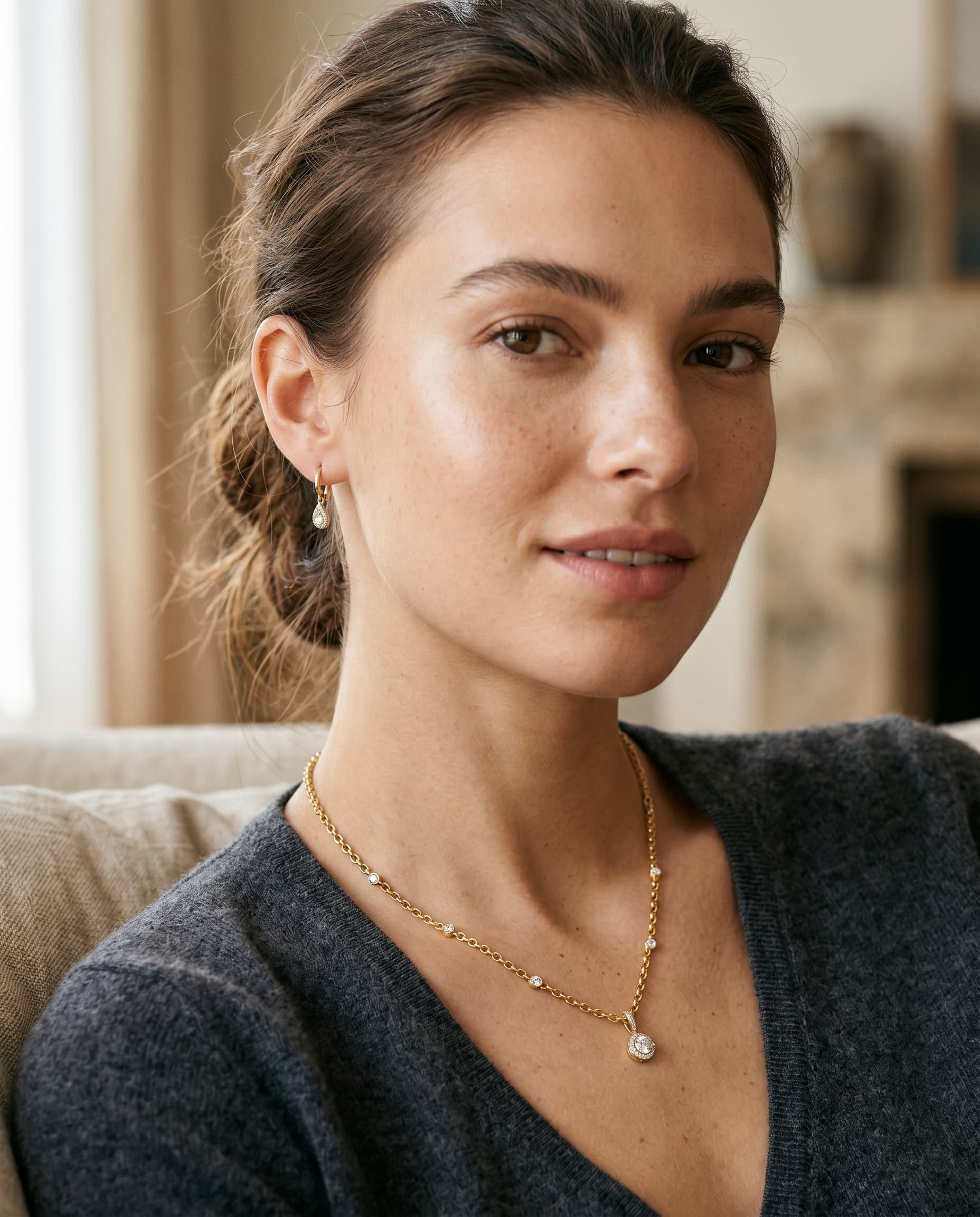
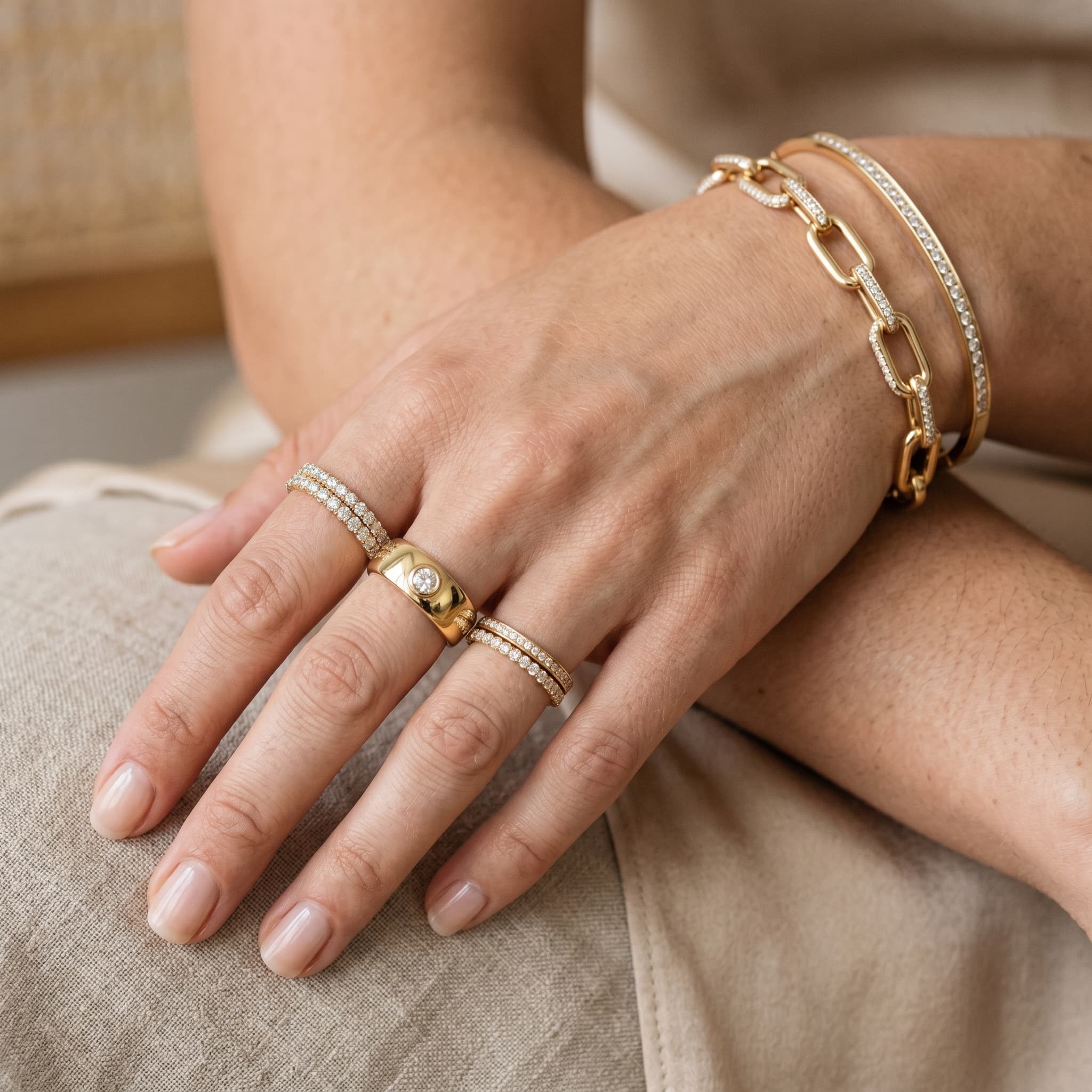
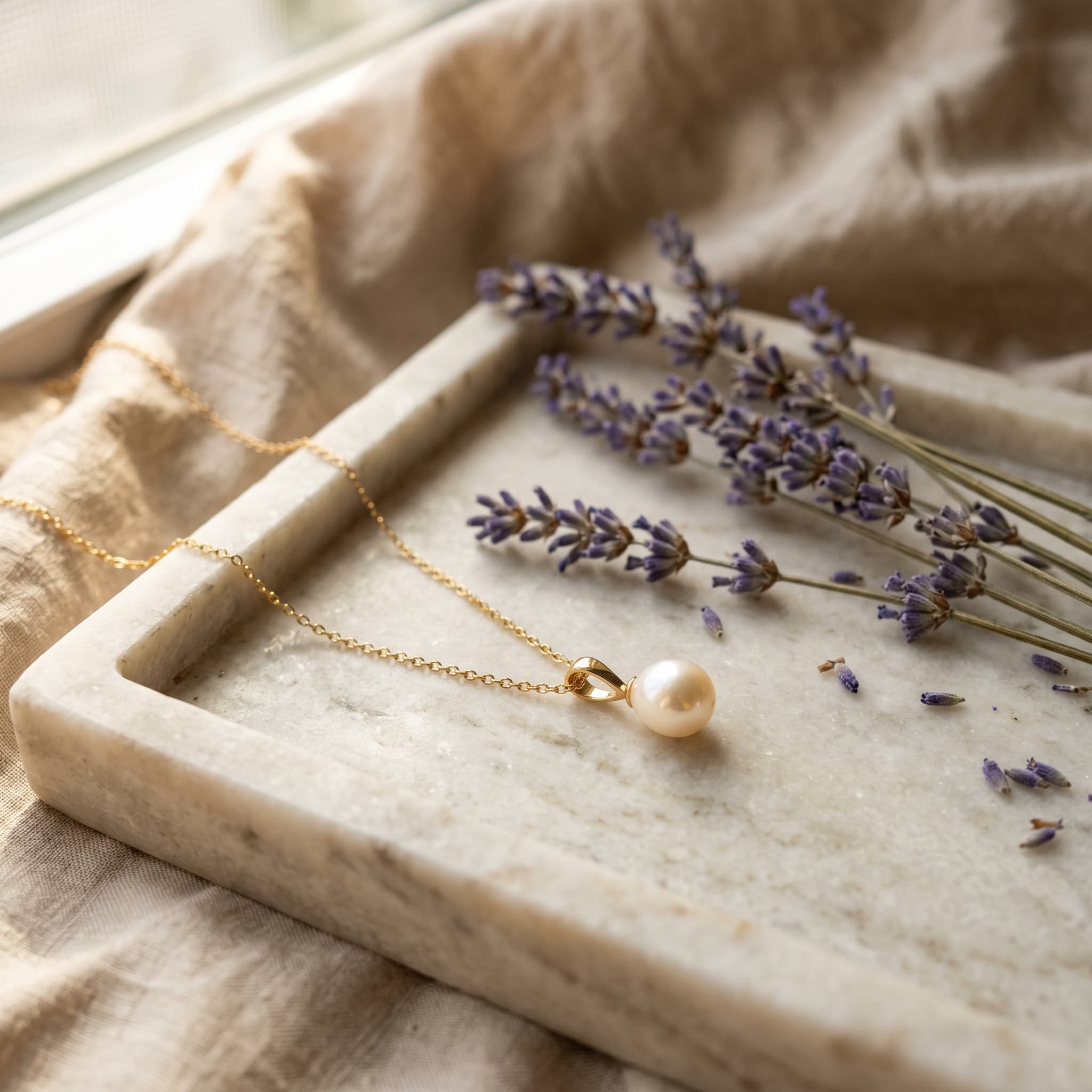
Modelize helps jewelry brands turn a strong source image into multiple polished outputs. Use it for front-facing PDP shots, premium macro crops, and lifestyle variations that give shoppers a better sense of finish, scale, and craftsmanship.

Macro + studio + lifestyle

from the same source product image

5 products x 5 presets

still gives you 25 outputs in a single structured batch

Jewelry preset thumbnail generated by Modelize for elegant product photography

Batch math

A five-product jewelry batch with five presets creates 25 images, so each ring, necklace, or pair of earrings gets five presentation angles or moods.

Jewelry usually performs best when you start narrow. Test two or three strong presets first, then expand into more combinations once the finish and cropping feel right.

Select sources

Choose products, variants, or uploaded source images depending on the workflow.

Choose presets

Combine multiple presets on the same batch to create multiple outputs per product.

Review results

Keep the preset mix that works, then repeat it on the rest of the collection.

Workflow

How this use case works inside Modelize

1

Start from the sharpest source image you have

The cleaner the source angle, the easier it is for Modelize to preserve shape, metal finish, and stone detail. Rings, earrings, and necklaces all benefit from clear edges and good lighting in the original image.

2

Choose one safe preset and one close-up preset

A clean studio preset plus a macro or detail preset gives you a practical default pair for PDPs and secondary media galleries.

3

Use custom instructions only for material and finish

Keep instructions focused on the parts that matter, such as yellow gold, silver tone, pavé stones, emerald color, or brushed texture. Short direction usually works better than long prompts.

4

Batch similar products together

When you process similar collections in the same run, it is easier to compare outputs and decide which preset mix should become your default jewelry workflow.

Preset picks

Recommended presets to start with

These are the fastest presets to validate first before you build a larger recurring batch structure.

Jewelry — Elegant

Studio

Jewelry — Elegant

Best for premium front-facing hero imagery with a luxury baseline.

Jewelry — Minimal

Studio

Jewelry — Minimal

Great when you want restrained backgrounds and a sharp focus on silhouette and material.

Macro Detail

Detail

Macro Detail

Best for stones, clasps, engraving, texture, and craftsmanship moments.

Jewelry — Lifestyle

Lifestyle

Jewelry — Lifestyle

Adds aspirational context when you need more than a pure studio presentation.

Best for

Rings and ring stacks

Necklaces and pendants

Bracelets and watches

Fine-jewelry PDP galleries

Practical tips

Neutral, clean backgrounds usually produce the most reliable premium jewelry results.

Use detail presets for craftsmanship shots, not as the only output. Pair them with a more standard PDP image.

If you sell sets or variants, split them cleanly so each SKU gets the right crop and finish treatment.

Treat jewelry like a precision workflow

The best jewelry batches usually come from a tighter preset set and stronger source material. Start with a refined baseline, then add lifestyle or hand-shot context only where it improves the buying journey.