Fashion catalogs
AI clothing product photos for studio, flat lay, and on-model workflows
Modelize turns one apparel catalog into multiple ready-to-publish image styles. Use it for clean PDP shots, editorial lifestyle content, and consistent on-model collections without planning a new shoot for every SKU.
5 products x 5 presets
creates 25 images in one batch
1 model profile
keeps on-model imagery consistent across the collection

Batch math
Pick five products and five presets and Modelize creates 25 outputs, which gives you five image directions per product.
For larger launches, repeat the same workflow across multiple batches so you can keep a predictable structure per collection, drop, or colorway.
Select sources
Choose products, variants, or uploaded source images depending on the workflow.
Choose presets
Combine multiple presets on the same batch to create multiple outputs per product.
Review results
Keep the preset mix that works, then repeat it on the rest of the collection.
Workflow
How this use case works inside Modelize
Select products or variants from Shopify
Use the generator to choose the apparel products you want to transform. If colorways need separate imagery, select variants individually so each one gets its own output set.
Stack your winning preset mix
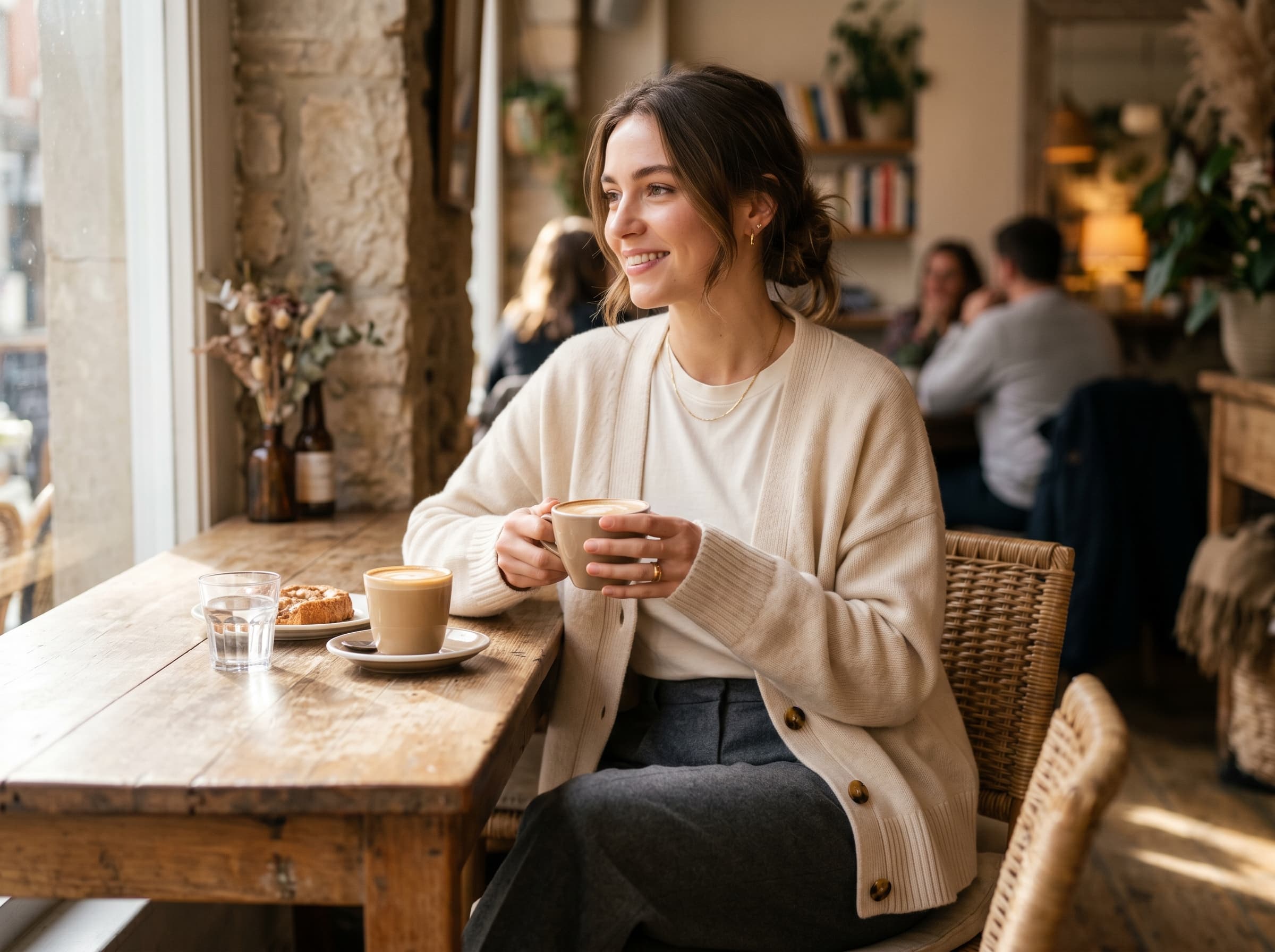
Choose as many clothing presets as you want for the same batch, such as a studio preset, an on-model preset, a flat lay, and a lifestyle look.
Add a model profile when on-model is selected
If your batch includes on-model presets, select an AI model profile so sizing, styling, and visual identity stay more consistent across the catalog.
Launch and sync back to Shopify
Set aspect ratio, resolution, and publish options, then start the batch. The finished images can be pushed back into your Shopify product media workflow.
Preset picks
Recommended presets to start with
These are the fastest presets to validate first before you build a larger recurring batch structure.

Studio
Clean Studio
Best for clean PDP images and consistent thumbnail grids.

On model
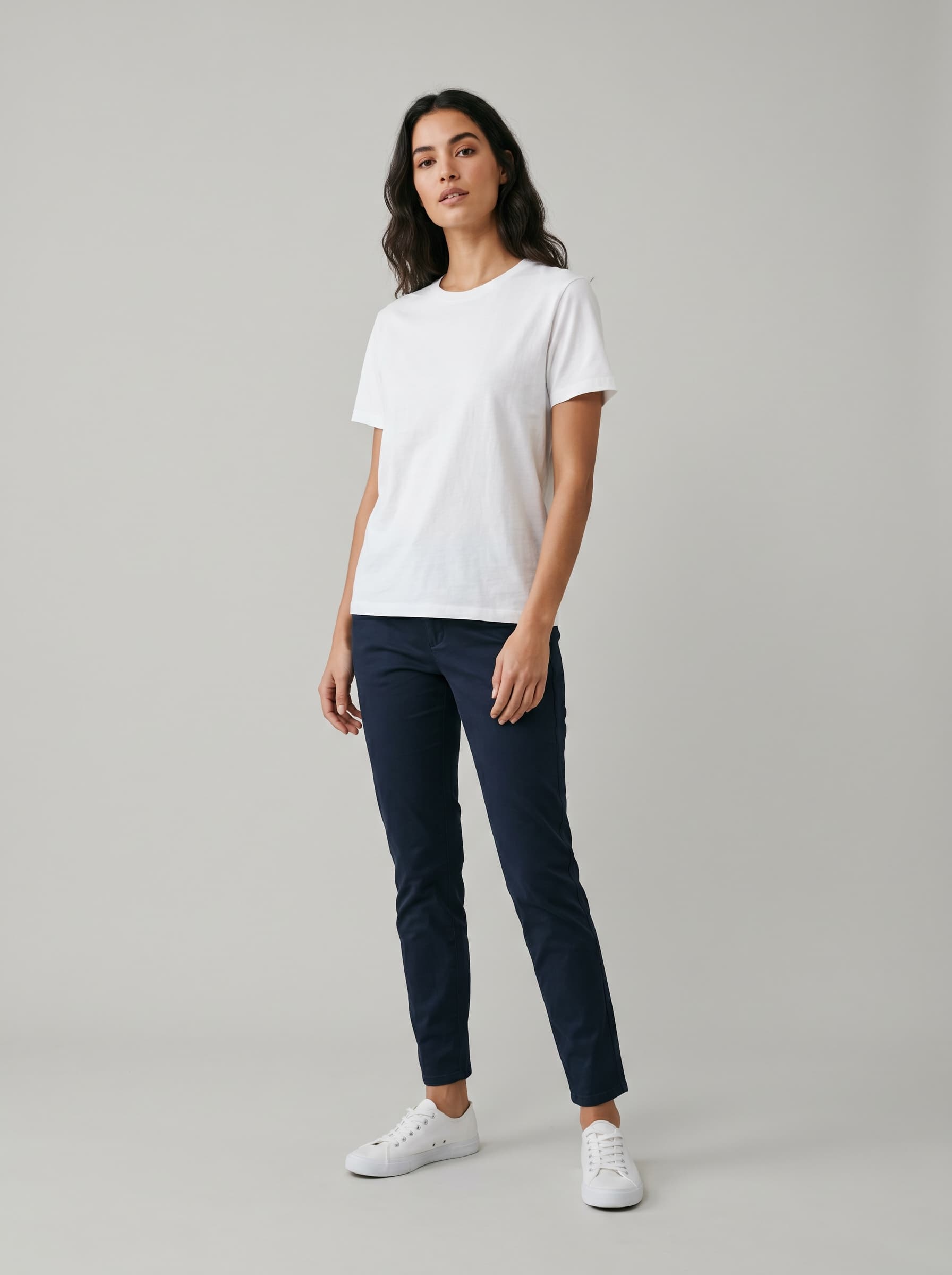
On Model — Neutral
Best when you want fit, drape, and proportion to read clearly across a full collection.

Flat lay
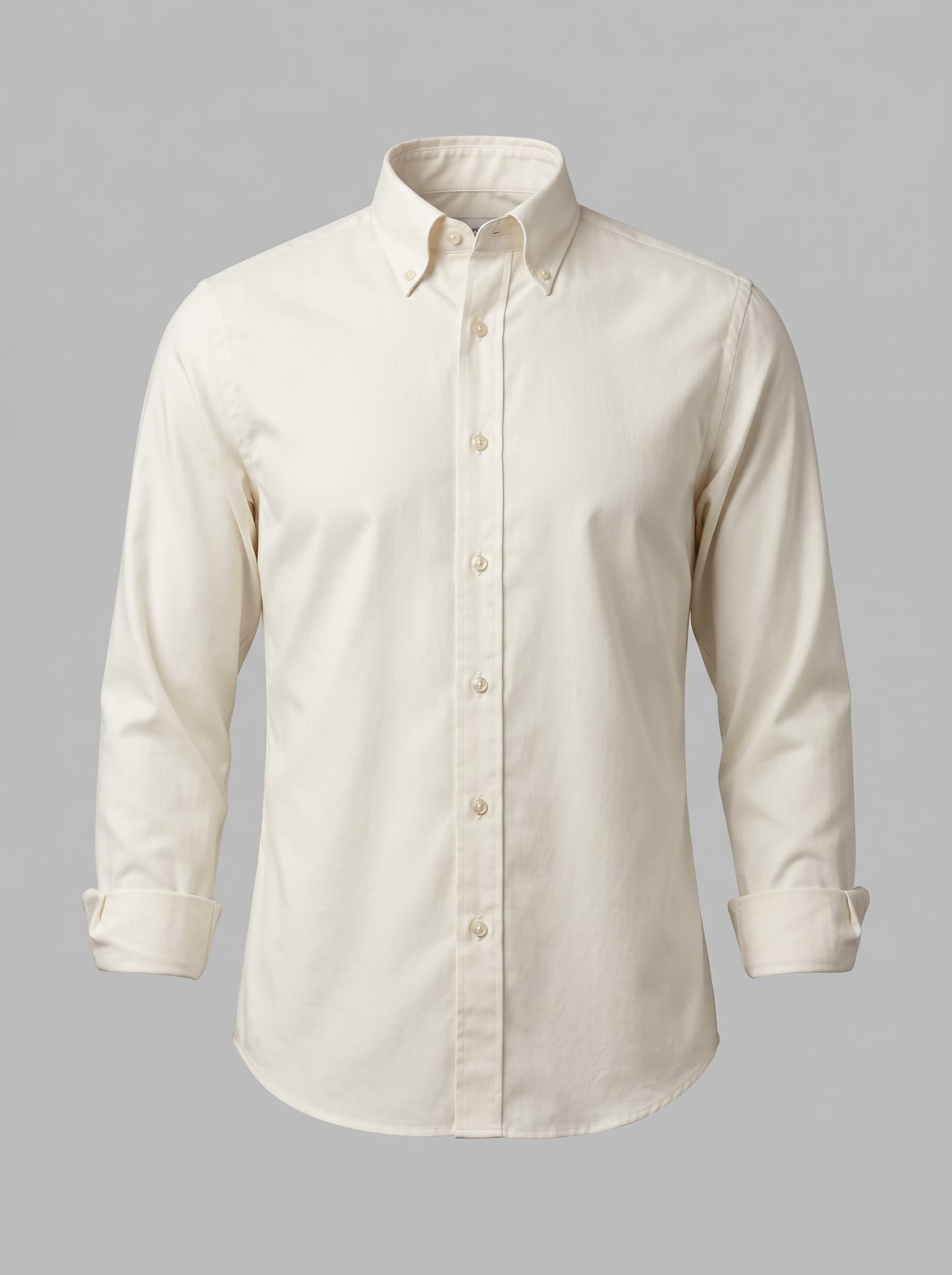
Flat Lay — Front
Useful for folded products, bundles, basics, and marketplaces that prefer a clear top-down presentation.

Lifestyle
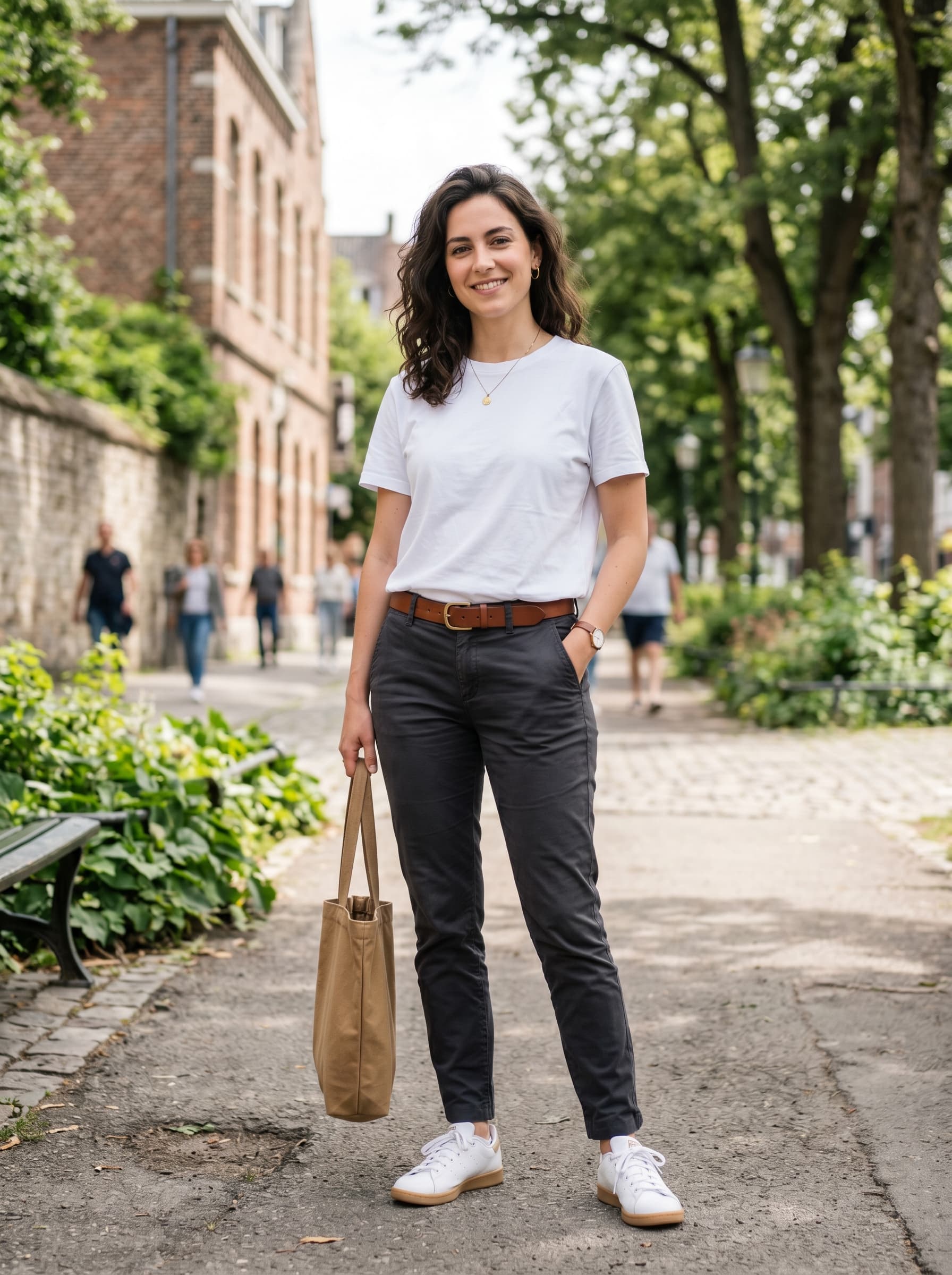
Lifestyle — Outdoor
Adds campaign-ready variety when you need more brand context than a white-background shot.
Best for
Apparel PDP refreshes
Seasonal collection launches
On-model lookbooks
Variant-heavy catalogs
Practical tips
Pair one safe PDP preset with one creative preset so every product gets both conversion-focused and campaign-ready imagery.
Keep custom instructions short and specific. Mention fabric, silhouette, or brand mood rather than rewriting the whole scene.
If you want catalog consistency, reuse the same presets and the same model profile across an entire collection.
Build a repeatable fashion image system
Start with one reliable preset mix, validate it on a few products, then scale that combination through the rest of your catalog. That is usually the fastest way to keep apparel imagery consistent without overshooting on experimentation.