How to Optimize Your Shopify Product Images for Higher Conversions
Why Product Images Make or Break Conversions
In e-commerce, customers can't touch, feel, or try on your products. Your product images are the closest they get to experiencing what you sell. Studies consistently show that high-quality product photography is one of the top factors influencing purchase decisions, with some research suggesting it matters more than product descriptions, reviews, or even price.
If your Shopify store's product images are underperforming, you're likely leaving money on the table. Here's how to optimize them for maximum impact.
Choose the Right Resolution and Format
Image quality starts with resolution. Blurry, pixelated product photos immediately erode trust and make your store look unprofessional. For Shopify stores, aim for images that are at least 2048 pixels on the longest side. This ensures they look crisp on high-resolution displays and allow for zoom functionality.
However, higher resolution doesn't mean larger file sizes. Use modern image formats like WebP, which delivers comparable quality at significantly smaller file sizes than JPEG or PNG. Shopify automatically serves optimized versions of your images, but starting with well-compressed originals helps ensure fast load times.
With Modelize, generated images come in optimized formats up to 4K resolution on Pro and Enterprise plans, giving you the perfect balance of quality and performance.
Invest in Lifestyle and Context Shots
Pure white-background product photos are essential for clarity, but they're not enough. Customers want to see your products in context. Lifestyle images — showing products in real-world settings or being worn by models — help shoppers visualize ownership and significantly boost engagement.
The challenge has traditionally been that lifestyle photography is expensive and time-consuming. AI product photography tools have made this dramatically more accessible. You can generate lifestyle shots in various settings — outdoor, studio, editorial, casual — without coordinating a full production.
Optimize for Mobile First
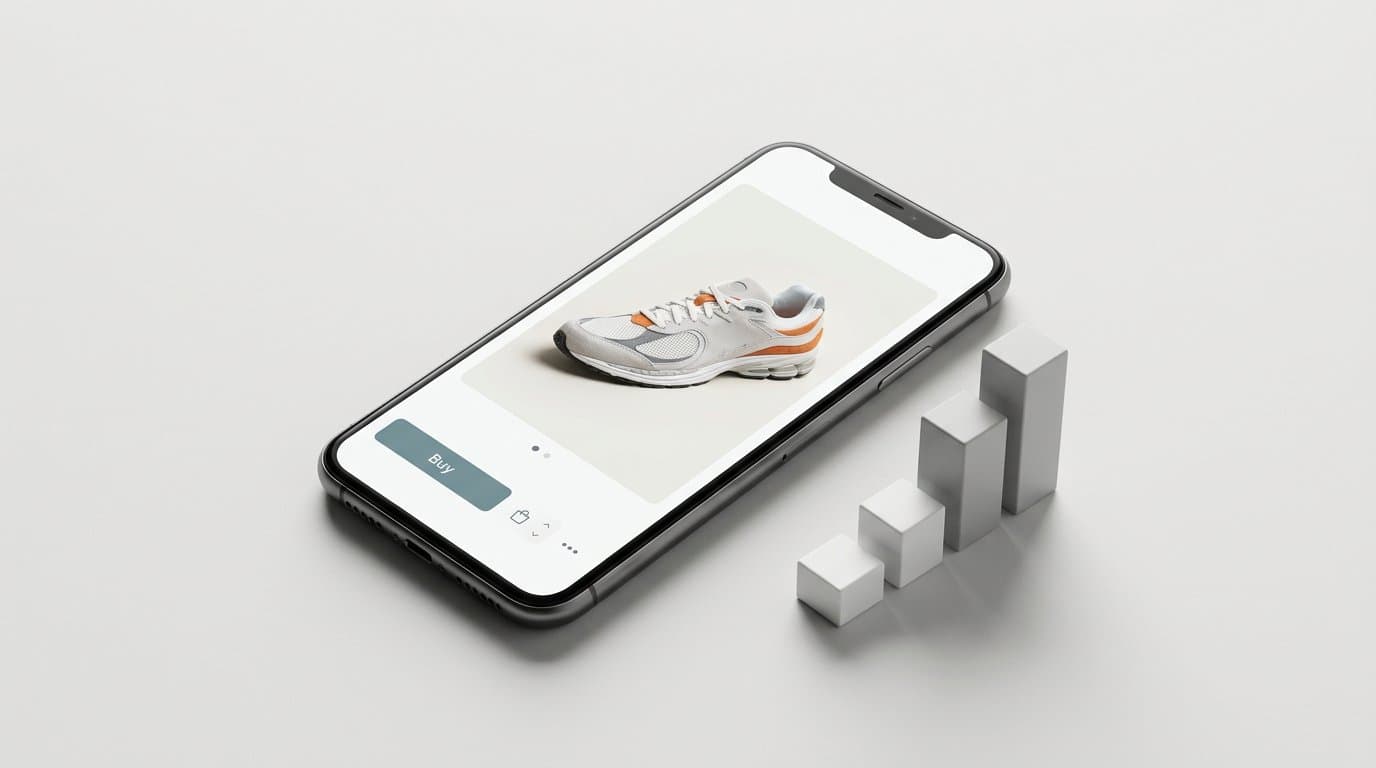
Over 70 percent of Shopify traffic comes from mobile devices. If your product images don't look great on a phone screen, most of your customers are seeing a suboptimal experience.
Key mobile optimization tips include using square or slightly tall aspect ratios that fill mobile screens well, ensuring product details are visible without zooming, and keeping file sizes small for fast loading on cellular connections.
Test your product pages on actual mobile devices, not just browser simulators. Pay attention to how images display in your theme's gallery, whether zoom works smoothly, and how quickly the page loads over a typical mobile connection.
A/B Test Your Product Images
Don't guess which images convert best — test them. Many Shopify store owners never experiment with their product photography, missing significant optimization opportunities.
Start by testing these variables: white background versus lifestyle shots as the primary image, the number of images per product listing, the order of images in the gallery, and different angles or compositions for the hero image.
Even small improvements in conversion rate can have a massive impact on revenue. If your store gets 10,000 monthly visitors and you increase your conversion rate by just 0.5 percent, that's 50 additional sales per month.
Maintain Consistency Across Your Catalog
A consistent visual style across your product catalog creates a premium, trustworthy shopping experience. This means maintaining the same lighting, background style, image dimensions, and overall aesthetic across all products.
This is where presets and AI tools really shine. Instead of trying to manually match the look and feel across dozens of product shoots, you can apply a single style preset to your entire catalog. The result is a cohesive, professional look that builds brand recognition and customer confidence.
Start Optimizing Today
Product image optimization isn't a one-time task — it's an ongoing process. Start with the fundamentals: high resolution, proper formatting, and mobile optimization. Then experiment with lifestyle shots, A/B testing, and visual consistency.
The stores that invest in exceptional product photography consistently outperform those that don't. With AI-powered tools making professional photography accessible to every budget, there's never been a better time to upgrade your product images.
More in Shopify Growth
View all
How to Adapt Your DTC Product Photos for Shopify B2B Channels Using AI
With Shopify rapidly expanding its B2B capabilities, consumer brands are opening wholesale portals. Learn how to use AI to instantly transform your DTC product photos into bulk, retail-ready B2B imagery.
How to Add AI Virtual Try-On to Your Shopify Store
A practical guide to adding virtual try-on and size recommendation to a Shopify fashion store with OptiDress, from choosing the right type of try-on to setup, placement, and measuring results.
How AI Product Photos Protect Shopify Dropshippers from Reverse Image Search
Stop losing sales to AliExpress and Temu. Learn how transforming generic supplier images with AI photography breaks the reverse-search trail and protects your store's margins.
Generate Stunning Product Photos with AI
Modelize is a Shopify app that creates professional product images in seconds - AI models, backgrounds, and more. No photoshoot needed.