Modelize vs Kive.ai: Which AI Product Photography Tool Is Right for You?
Finding the Right Tool for Your Store
Choosing an AI product photography tool is a significant decision for any e-commerce business. The right tool saves you hours of work and produces images that drive sales. The wrong one creates more problems than it solves.
In this comparison, we take an honest look at two popular options — Modelize and Kive.ai — to help you decide which one fits your needs. We'll cover features, pricing, Shopify integration, ease of use, and real-world performance.
Overview: Different Approaches to the Same Problem
Both Modelize and Kive.ai use AI to generate product imagery, but they take fundamentally different approaches.
Kive.ai is a broader creative platform designed for teams working across various visual content needs. It offers AI-powered image generation, brand asset management, mood boarding, and creative collaboration tools. It's aimed at creative teams and agencies who need a versatile toolset for multiple content types.
Modelize is purpose-built for Shopify product photography. It lives inside the Shopify ecosystem, connects directly to your store's product catalog, and is designed specifically around the e-commerce photography workflow — from product selection to image generation to automatic store sync.
Shopify Integration
This is where the difference is most stark. Modelize is a Shopify app — it installs directly from the Shopify App Store and integrates natively with your store. It reads your product catalog, lets you select products directly, and syncs generated images back to your Shopify listings automatically. There's no downloading, no manual uploading, no file management.
Kive.ai operates as a standalone web platform. To use it for Shopify product photography, you'd need to download your product images, upload them to Kive, generate new images, download the results, and then upload them back to Shopify. For a handful of products, this is manageable. For hundreds, it becomes a significant time sink.
If your primary goal is Shopify product photography, native integration isn't just convenient — it's transformative for your workflow.
AI Model Generation
Both platforms offer AI-powered image generation, but the focus differs considerably.
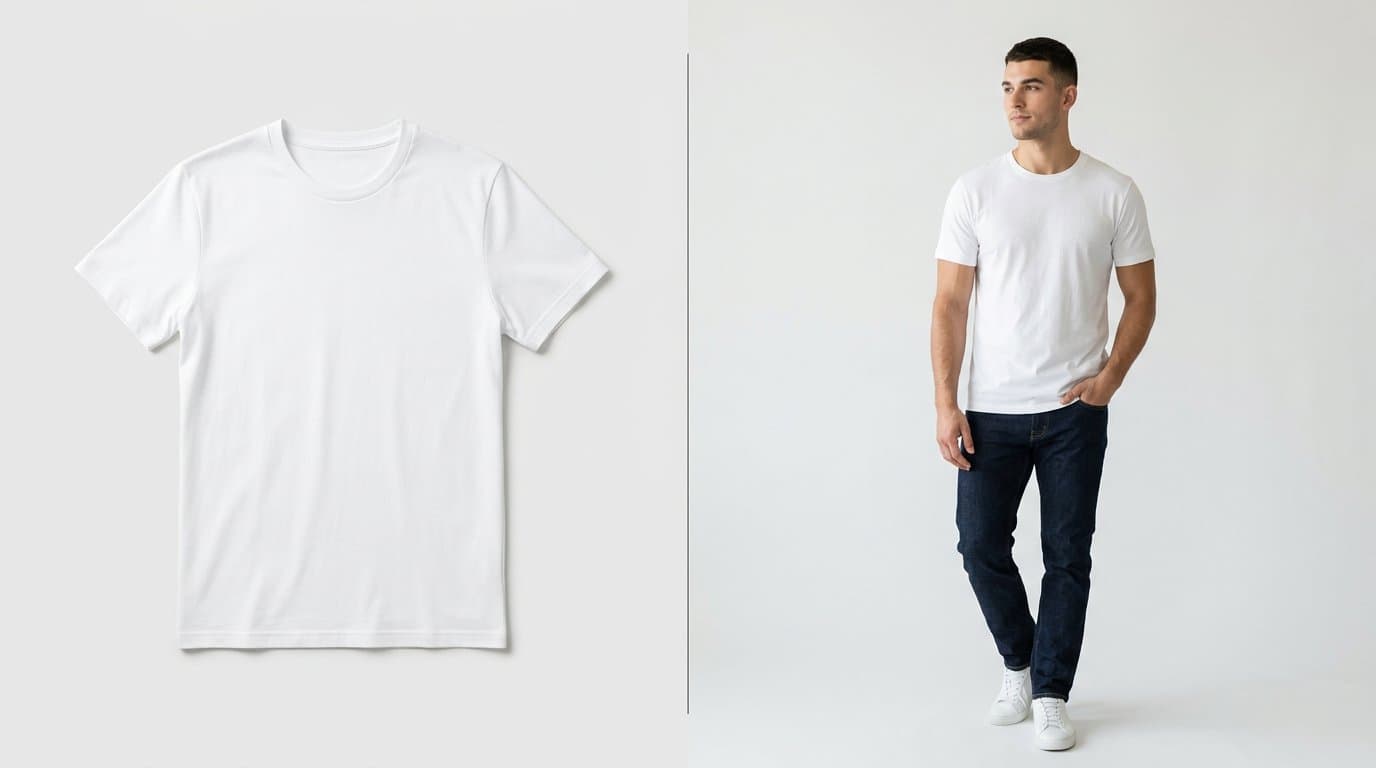
Modelize specializes in generating on-model product photography. You can create realistic virtual models with specific body types, ethnicities, poses, and styles. The AI renders your actual product on these models, complete with natural fabric draping and realistic shadows. Presets let you quickly apply professional lighting and background styles.
Kive.ai offers broader creative generation capabilities but isn't specifically optimized for the product-on-model use case. Its strengths lie more in general creative image generation and brand asset creation rather than the specific requirements of e-commerce product photography.
Batch Processing
For stores with large catalogs, batch processing capability is essential.
Modelize supports bulk generation — select dozens or hundreds of products, choose a style, and generate images for all of them in a single operation. This is purpose-built for e-commerce workflows where you need to process entire product lines efficiently.
Kive.ai's workflow is oriented more toward individual creative projects, which can be limiting when you need to update imagery across a large product catalog quickly.
Pricing Comparison
Modelize offers a straightforward pricing model starting with a free plan (5 images/month), then scaling through Starter ($19/month for 75 images), Pro ($49/month for 200 images), and Enterprise ($99/month for 500 images). Pricing is simple and predictable.
Kive.ai's pricing structure is designed for creative teams and typically involves per-seat pricing with different feature tiers. For a single Shopify store owner, the per-user model can be less cost-effective than a usage-based approach.
Ease of Use
Modelize is designed for store owners who may not have design or technical backgrounds. The workflow is simple: select products, choose a style, generate, and sync. Smart presets handle the complexity of prompt engineering, lighting, and composition behind the scenes.
Kive.ai offers more creative flexibility but with a steeper learning curve. It's built for creative professionals who want fine-grained control over their visual content pipeline. This is an advantage if you have a dedicated design team, but can be overwhelming if you're a store owner wearing many hats.
Image Quality
Both platforms produce high-quality images, though they optimize for different use cases. Modelize outputs are specifically tuned for e-commerce — clean product visibility, accurate colors, and consistent styling suitable for product listings. Images come in up to 4K resolution.
Kive.ai produces excellent creative imagery that's well-suited for marketing campaigns, social media, and brand content. However, its general-purpose nature means it may require more iteration to achieve the specific look needed for product listing images.
The Verdict
The right choice depends largely on your needs.
Choose Kive.ai if you're a creative team that needs a versatile visual content platform for multiple purposes beyond just product photography — mood boarding, brand asset management, and creative collaboration.
Choose Modelize if you're a Shopify store owner who wants professional on-model and lifestyle product photography with the least friction possible. The native Shopify integration, purpose-built e-commerce workflow, and straightforward pricing make it the practical choice for stores focused on generating great product images efficiently.
Ultimately, a tool that's built specifically for your use case will almost always outperform a general-purpose alternative in that domain. For Shopify product photography, Modelize is that purpose-built solution.
Generate Stunning Product Photos with AI
Modelize is a Shopify app that creates professional product images in seconds - AI models, backgrounds, and more. No photoshoot needed.