Modelize vs Botika: AI Fashion Photography for Shopify Compared
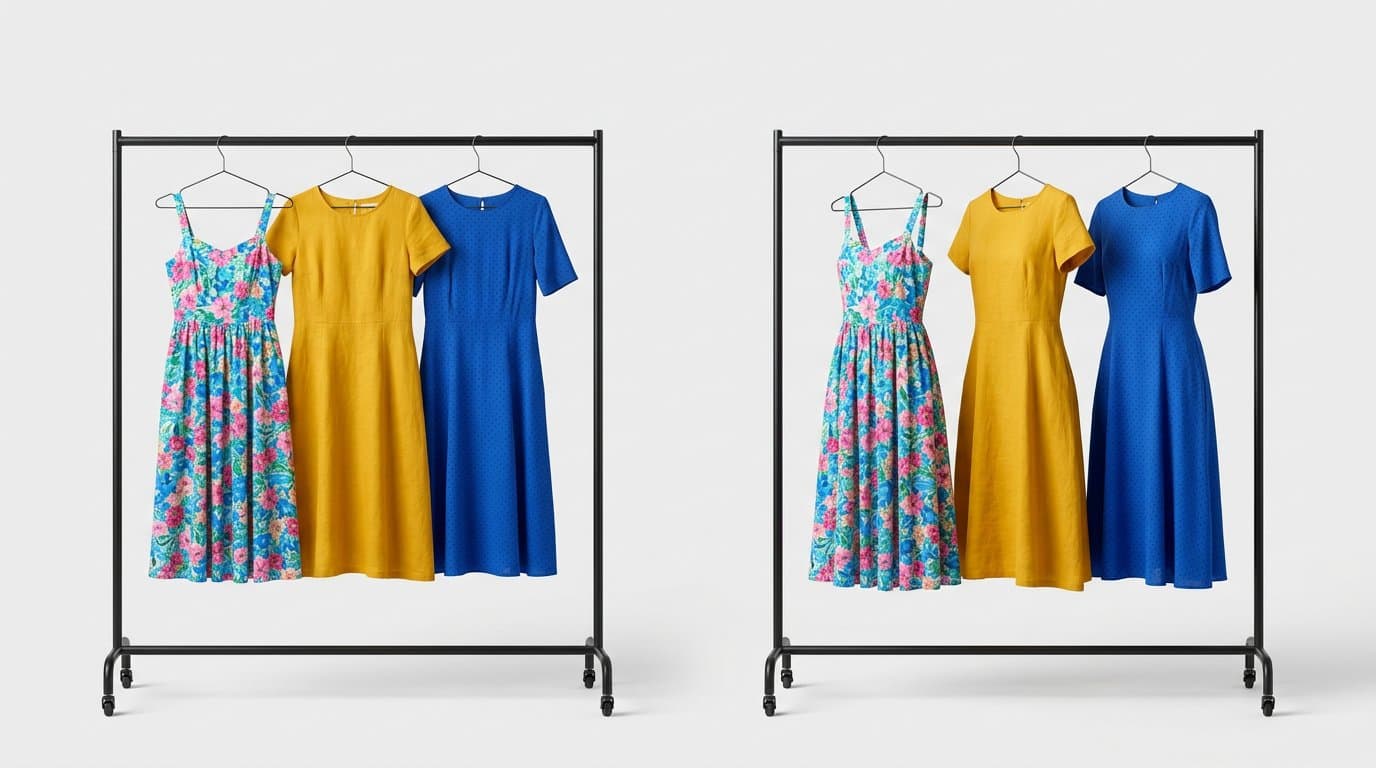
Two AI Fashion Photography Tools, One Decision
AI-powered fashion photography has become essential for competitive e-commerce. Two tools that frequently come up in conversations about AI product imagery for Shopify are Modelize and Botika. Both promise to transform your product photography workflow, but they differ in meaningful ways.
Let's break down how these two solutions compare across the dimensions that matter most for Shopify store owners.
The Core Experience
Botika focuses on virtual try-on and fashion model generation. It allows you to generate images of AI models wearing your products, which is its primary use case. The tool is designed around fashion-specific workflows with an emphasis on model diversity and pose selection.
Modelize takes a broader approach to e-commerce product photography. While it also excels at on-model fashion photography, it extends to lifestyle shots, studio photography, flat lays, and multiple product categories beyond just apparel. It's built as a comprehensive product photography solution rather than a single-purpose tool.
Shopify Integration Depth
Both Modelize and Botika offer Shopify integration, but the depth varies.
Modelize is built as a native Shopify app from the ground up. Everything happens within the Shopify ecosystem — product selection, image generation, and automatic syncing back to your product listings. The integration covers your full catalog, supports batch operations, and eliminates any manual file management.
Botika also connects to Shopify but was originally built as a standalone platform with Shopify integration added on. The experience can feel like switching between two separate tools rather than a unified workflow. Check the latest version of each app to see the current state of integration, as both platforms continue to evolve.
Style Versatility
This is an area where the tools diverge significantly.
Botika specializes in on-model fashion photography. It's focused and does this specific task well. However, if you need product imagery that goes beyond model shots — flat lays, lifestyle scenes, studio shots on various backgrounds — you'll need additional tools.
Modelize offers a wider range of photography styles through its preset system. Studio shots, lifestyle photography, editorial looks, outdoor scenes, and custom-designed presets are all built in. This means you can create your entire product photography suite — on-model shots, white-background studio images, and lifestyle content — within a single tool.
Model Customization
Both platforms allow customization of AI-generated models, though the options differ.
Botika offers model selection with options for ethnicity, body type, and pose. It provides a library of pre-defined models and poses to choose from.
Modelize provides similar model customization — body type, ethnicity, age, pose, hair style, and facial features — plus the ability to create and save custom model profiles. These profiles can be reused across your entire catalog, ensuring consistent model representation throughout your store.
Batch Processing and Scale
For stores with dozens or hundreds of products, processing speed and batch capability are crucial.
Modelize supports full batch processing — select an entire product line or category, apply a style preset, and generate images for all of them at once. This is essential for large catalog updates, seasonal refreshes, or onboarding a new collection.
Botika's batch capabilities are more limited in comparison, often requiring a more sequential workflow. For a small catalog this isn't an issue, but at scale the time difference adds up significantly.
Pricing Breakdown
Modelize pricing starts with a free tier (5 images/month) and scales predictably: $19/month for 75 images, $49/month for 200 images, and $99/month for 500 images. No hidden fees or per-feature charges.
Botika's pricing model differs and may include different tier structures and per-image costs. Pricing can change, so we recommend checking both platforms' current pricing pages for the latest information.
Image Quality
Both platforms produce high-quality fashion photography. However, image quality depends heavily on the specific product, style, and settings used. Rather than declaring one universally "better," we recommend testing both with your actual products to see which produces results that match your brand aesthetic.
Both tools support high-resolution output suitable for e-commerce use, including zoom-ready product page images.
Who Should Choose What?
Choose Botika if your sole focus is on-model fashion photography and you have a small catalog that doesn't require extensive batch processing. It does its core task well and may suit stores with very specific fashion model generation needs.
Choose Modelize if you want a comprehensive product photography solution that covers multiple styles beyond just on-model shots. The deeper Shopify integration, batch processing capabilities, custom presets, and broader style versatility make it the better choice for stores that need a complete photography workflow — especially at scale.
Both tools represent the exciting future of AI-powered product photography. The best choice ultimately comes down to your specific needs, catalog size, and the range of imagery styles your store requires.
Generate Stunning Product Photos with AI
Modelize is a Shopify app that creates professional product images in seconds - AI models, backgrounds, and more. No photoshoot needed.