AI Product Photography for Jewelry, Accessories, and Small Items on Shopify
The Unique Challenge of Small Products
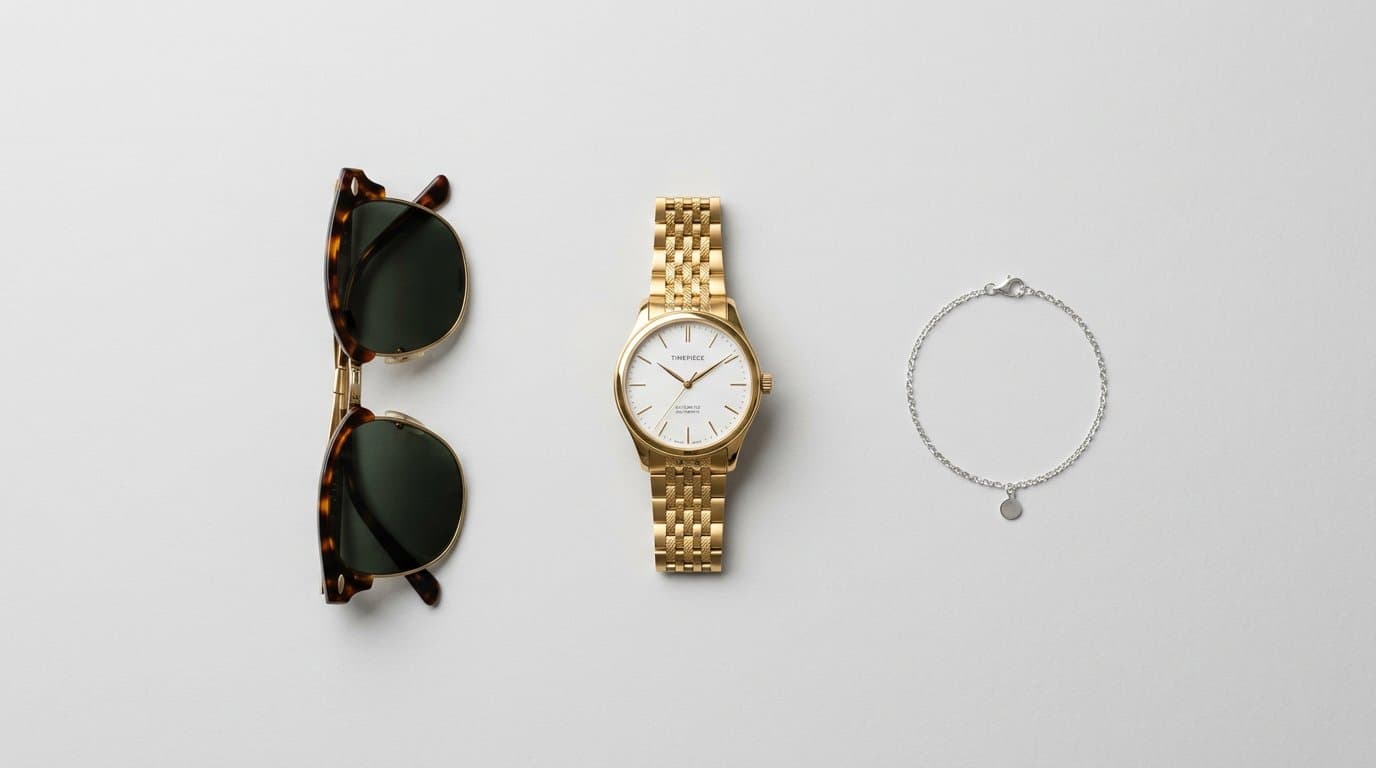
Photographing jewelry, watches, sunglasses, and other small accessories has always been one of the hardest disciplines in product photography. These items require extreme attention to detail — reflections, textures, sparkle, and scale all need to be rendered perfectly. A slight mistake in lighting can make a diamond ring look like costume jewelry.
AI photography for small items comes with its own set of challenges and opportunities. Here's how to get the best results for your accessory products.
Getting Detail Right
Small product photography lives and dies on detail. Customers buying a $200 silver necklace want to see the chain link pattern, the clasp design, and how light catches the pendant. Customer confidence depends on being able to inspect every element of what they're purchasing.
When generating AI images for jewelry and accessories, prioritize prompts or presets that emphasize material properties. Specify the type of metal (polished silver, brushed gold, rose gold), the finish (matte, glossy, hammered), and any gemstone characteristics (faceted, cabochon, transparent, opaque).
With Modelize, the studio presets are optimized for accessories — they apply the kind of controlled, reflective lighting that makes metalwork and gemstones look their best. The 4K resolution option on Pro and Enterprise plans ensures details survive zooming on product pages.
Lifestyle Imagery That Sells
Studio shots on white backgrounds are essential for clarity, but lifestyle images drive desire. Seeing a watch on a wrist, earrings on a model, or sunglasses on a face creates an emotional connection that flat-lay shots can't match.
For jewelry, on-model photography is particularly important because it communicates scale. A necklace sitting on a white surface could be any size. The same necklace on a model immediately shows its length, proportion, and how it sits on the body.
AI-generated on-model shots solve a traditional pain point for jewelry brands: photographing small products on models requires specialized macro photography skills and equipment. A slight movement from the model can throw everything out of focus. AI eliminates these physical constraints entirely.
Material Rendering
Different materials require different photographic approaches, and this applies to AI generation as well.
For metals, lighting defines everything. Gold needs warm tones and soft reflections. Silver works best with cooler, more contrasty lighting. Matte finishes need even, diffused light to show texture, while polished metals need strategic bright highlights to show their reflective quality.
For gemstones and crystals, transparency and refraction are key. Describe the stone's optical properties in your generation settings — whether it should show internal fire (like a diamond), color depth (like a sapphire), or surface sheen (like a pearl).
For leather goods — watch straps, belts, wallets — texture is paramount. Close-up detail shots that show grain pattern and stitching quality help justify premium pricing and set customer expectations accurately.
Composition Tips for Small Items
Small products get lost in large-format compositions. The composition needs to draw attention to the product and make it feel important despite its physical size.
Tight framing works best for hero images — the product should fill a significant portion of the frame. Leave negative space intentionally rather than accidentally, using it to create a clean, premium aesthetic rather than making the product look small.
For lifestyle shots, the product should remain the clear focus point even when shown in context. An on-model shot of a ring should draw the eye to the hand, not the outfit. This is where AI generation helps — you can specify the composition and ensure the product is prominently featured in every shot.
Scale References Without Being Obvious
Communicating the actual size of small items is crucial for reducing returns. Nobody wants to receive a "statement necklace" that turns out to be the size of a dime.
On-model photography is the most natural scale reference — a bracelet on a wrist immediately communicates width and circumference without needing a ruler in frame. For items not typically worn on the body (decorative boxes, figurines, home accessories), include lifestyle context that provides scale — the item on a table near a book, on a shelf next to a plant.
Building a Cohesive Jewelry Catalog
The most successful jewelry and accessory stores maintain a tight visual identity across their catalog. Every product should feel like it belongs to the same brand — same lighting mood, same composition approach, same level of detail.
Create a core set of presets specifically for your accessories: one for clean studio shots, one for on-model lifestyle, and one for detail close-ups. Apply these consistently across every product. When customers browse your catalog, the cohesive presentation builds the perception of a curated, premium brand.
Start With Your Best Sellers
If you're introducing AI photography to your accessories catalog, start with your top-selling items. These products already have proven demand — better photography will amplify their performance. Once you see the impact on conversion rates, expand to your full catalog.
Focus on getting the material rendering right first. Once you have presets that accurately capture your products' metal finishes, textures, and details, scaling across the catalog becomes straightforward.
Generate Stunning Product Photos with AI
Modelize is a Shopify app that creates professional product images in seconds - AI models, backgrounds, and more. No photoshoot needed.